
If you’re looking for a way to keep your keys organized without spending a dime, you might want to consider the Free Printable Keychain Template Plastic Key Tags. This resource stands out because it allows you to easily create custom key tags that suit your personal style and organizational needs. If you are managing a busy household, organizing office keys, or simply want a fun craft project, these templates are a practical choice.
Understanding the Keychain Template
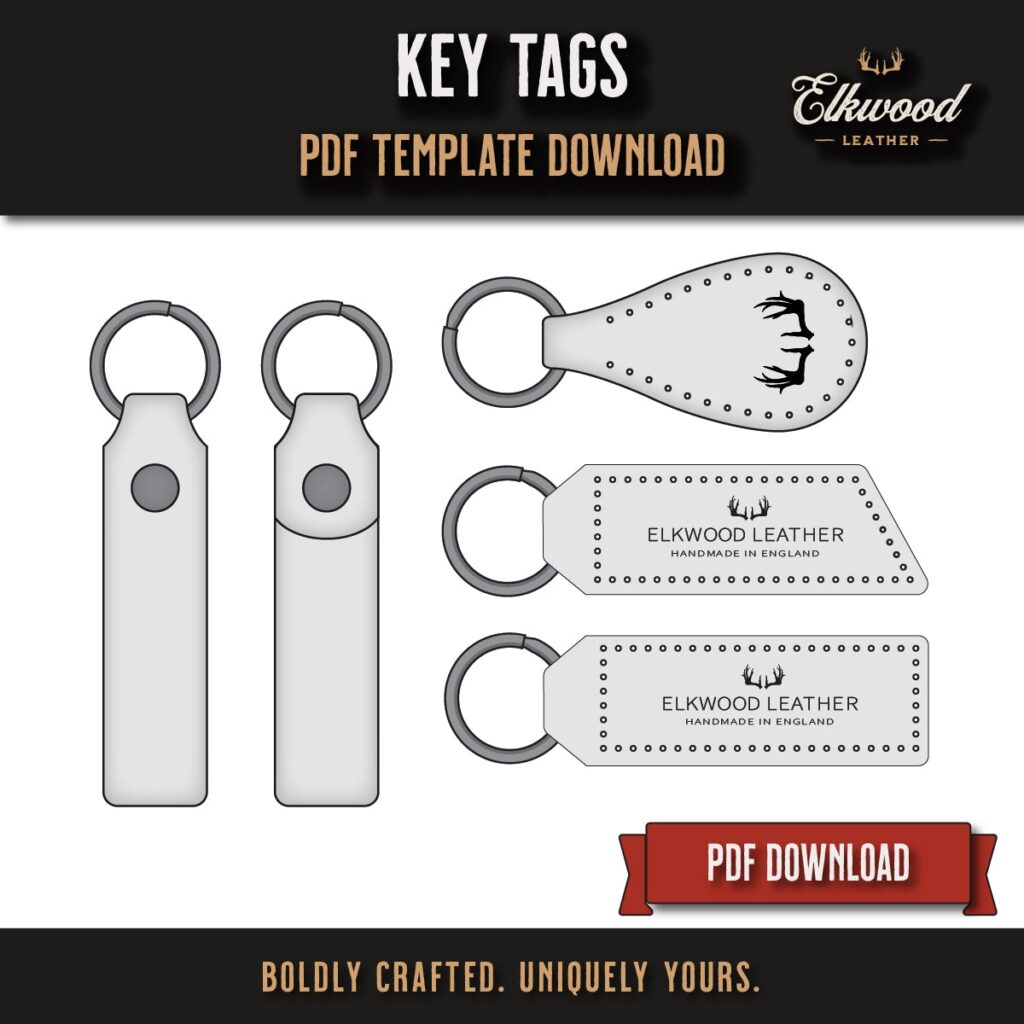
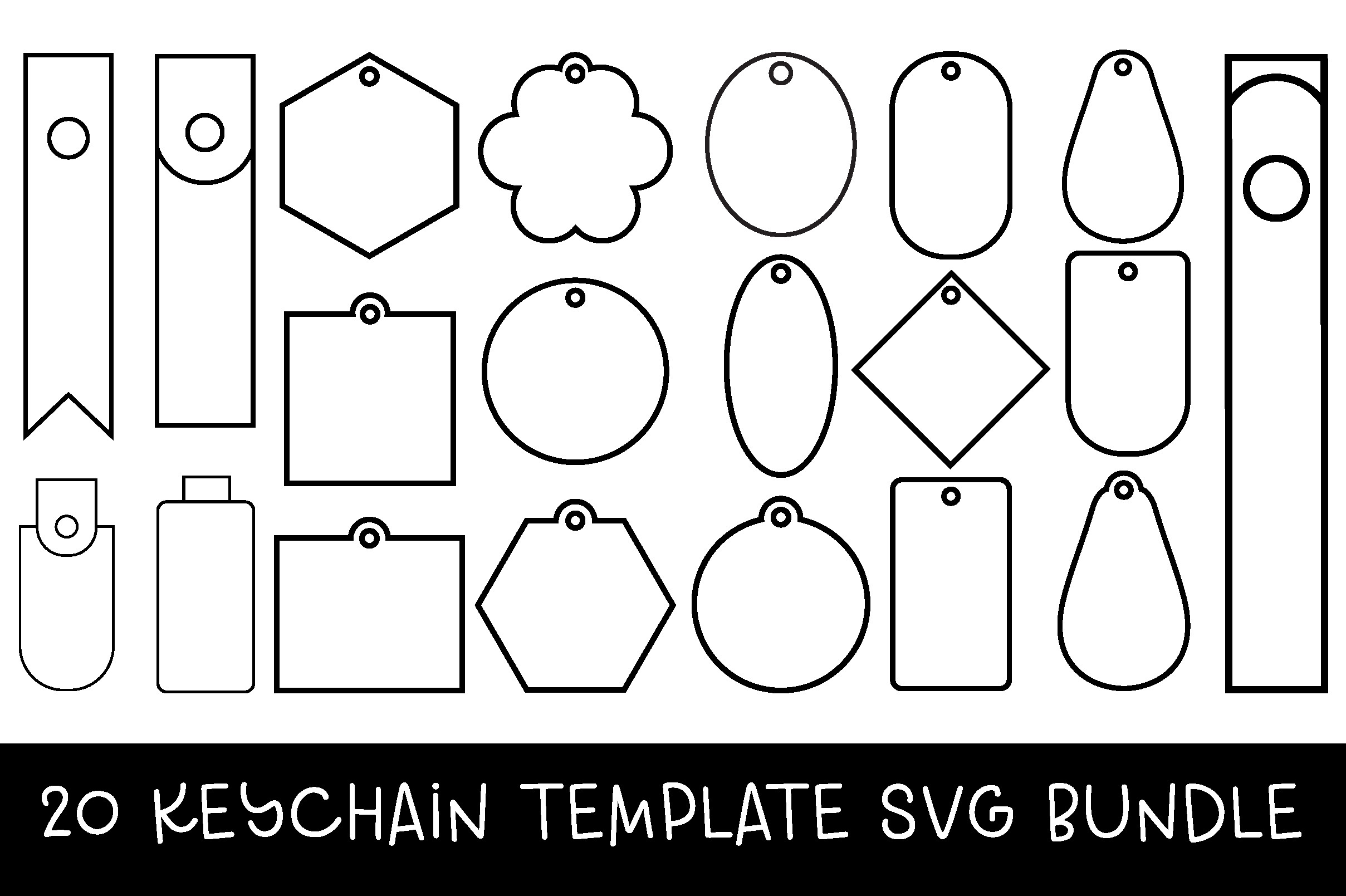
The Free Printable Keychain Template Plastic Key Tags are designed with versatility in mind. These templates can be customized to include names, numbers, or any other identifier you find useful. The key feature here is the ability to personalize your tags, which can help reduce the chaos of misplaced keys.
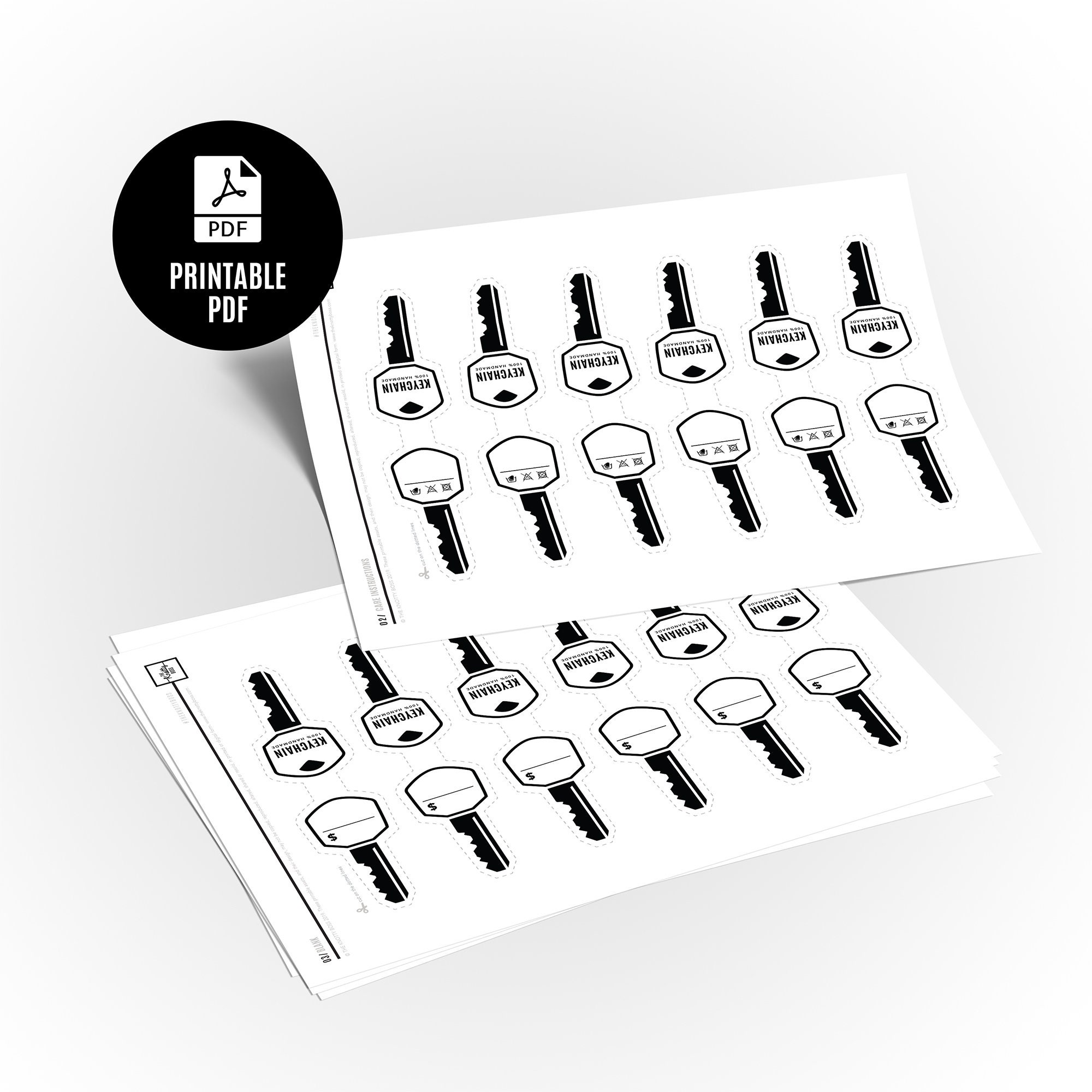
You’ll typically find these templates in PDF format, making them easy to download and print. The beauty of a PDF is that it preserves the layout, ensuring your tags print exactly as intended without any reformatting issues that can occur with image files.
Customization Options
When it comes to customizing your keychain tags, your options are nearly endless. You can choose to add:
- Names: Great for identifying keys for different family members or coworkers.
- Colors: If your printer supports color, you can make your tags vibrant and eye-catching.
- Icons or Images: Personal touches like small icons can make your tags more visually appealing.
You can also decide on the layout of your tags. Some templates may offer a portrait layout, which generally works better for most home printers, while others may feature a landscape orientation. Think about how you plan to use these tags; if you want to see them easily in a keychain, a larger font may be beneficial.
Printing Considerations
When you’re ready to print your keychain templates, consider these practical tips:
- Paper Type: Cardstock generally holds up better than standard paper, especially if you plan to laminate your tags. If you want a more professional feel, opt for thicker paper.
- Printer Settings: Use the highest quality print settings available on your printer. This helps ensure that any colors or images are vibrant and clear.
- Cutting Tools: After printing, you’ll need to cut your tags out. A paper cutter can provide straight edges, while scissors will do the trick if you don’t have one.
Make sure to double-check your printer’s paper size settings to avoid unexpected trimming or partial prints.
Practical Uses for Keychain Tags
The Free Printable Keychain Template Plastic Key Tags can be used in various scenarios, making them a versatile addition to your organizational toolkit. Here are some practical uses:
- Home Organization: Label keys for different rooms or storage areas in your home. This can save you time when searching for specific keys.
- Office Management: Use them for office keys, lab access, or even equipment. Clearly labeled keys can streamline your workflow.
- Craft Projects: If you enjoy crafting, consider decorating your tags with stickers or markers. This adds a personal touch and makes for a fun project.
- Gift Tags: Personalize them as unique gift tags for special occasions. They can add a thoughtful touch to any present.
Downloading and Accessing the Templates
Getting your Free Printable Keychain Template Plastic Key Tags is a straightforward process. Typically, you would:
- Visit the Resource Site: Navigate to the printable-resource website that offers these templates.
- Select the Template: Find the specific keychain template you want to use.
- Download the File: Click on the download link, and save the PDF to your device.
- Open and Print: Once downloaded, open the document and print it using your preferred settings.
Make sure you have a reliable printer and enough ink to ensure the best results.