
When you need a thoughtful gift but are short on time, a Free Printable Gift Certificate Template can be your go-to solution. Whether it’s for a birthday, holiday, or just because, these templates make it easy for you to create personalized, heartfelt gifts that your loved ones will appreciate. Not only are they versatile, but they are also incredibly easy to customize and print at home, making them a practical option for busy parents like us.
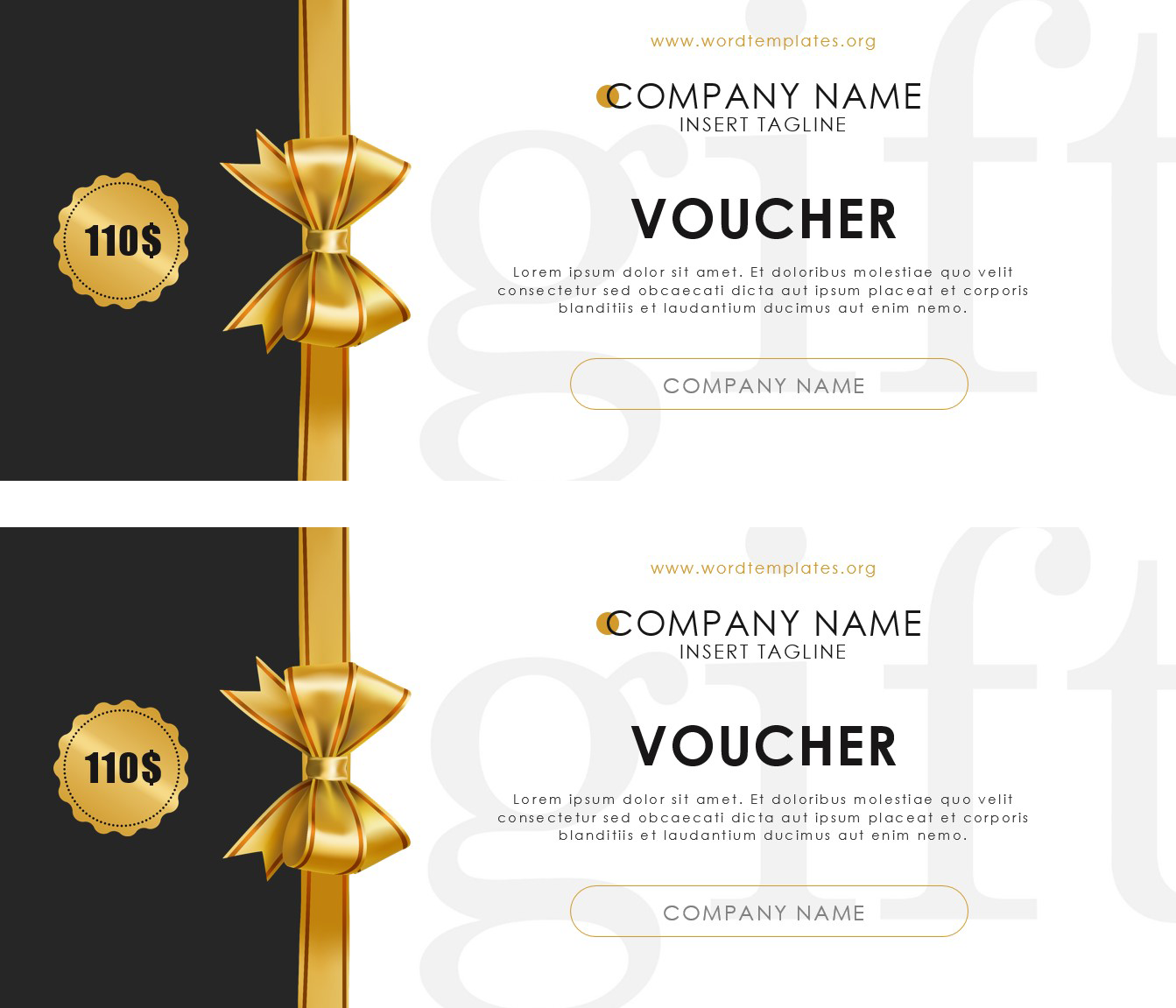
Choosing the Right Template for Your Needs
There are numerous styles and designs available when it comes to gift certificate templates. From simple and elegant to colorful and fun, the right choice often depends on the occasion and the recipient. For instance, if you’re gifting someone a spa day, a calming, pastel-themed template may be ideal. On the other hand, a vibrant, playful design could work well for a child’s birthday party.
When selecting a template, consider factors such as:
- Purpose: Is it for a specific service (like a massage or dinner) or a general gift?
- Audience: Are you designing for an adult, a child, or a family?
- Customization Options: Can you easily edit the text and colors to match the occasion?
Most templates allow for various customizations, including the ability to change the wording, fonts, and colors. This flexibility ensures that your gift certificate feels personal and special.
Downloading and Printing Your Gift Certificate
Once you’ve picked the perfect template, it’s time to download it. Most printable resources come in PDF format, which is generally the easiest to work with. PDF files preserve the layout and design, ensuring that everything prints correctly. Just look for a download button that specifies the file type.
Printer Setup Tips
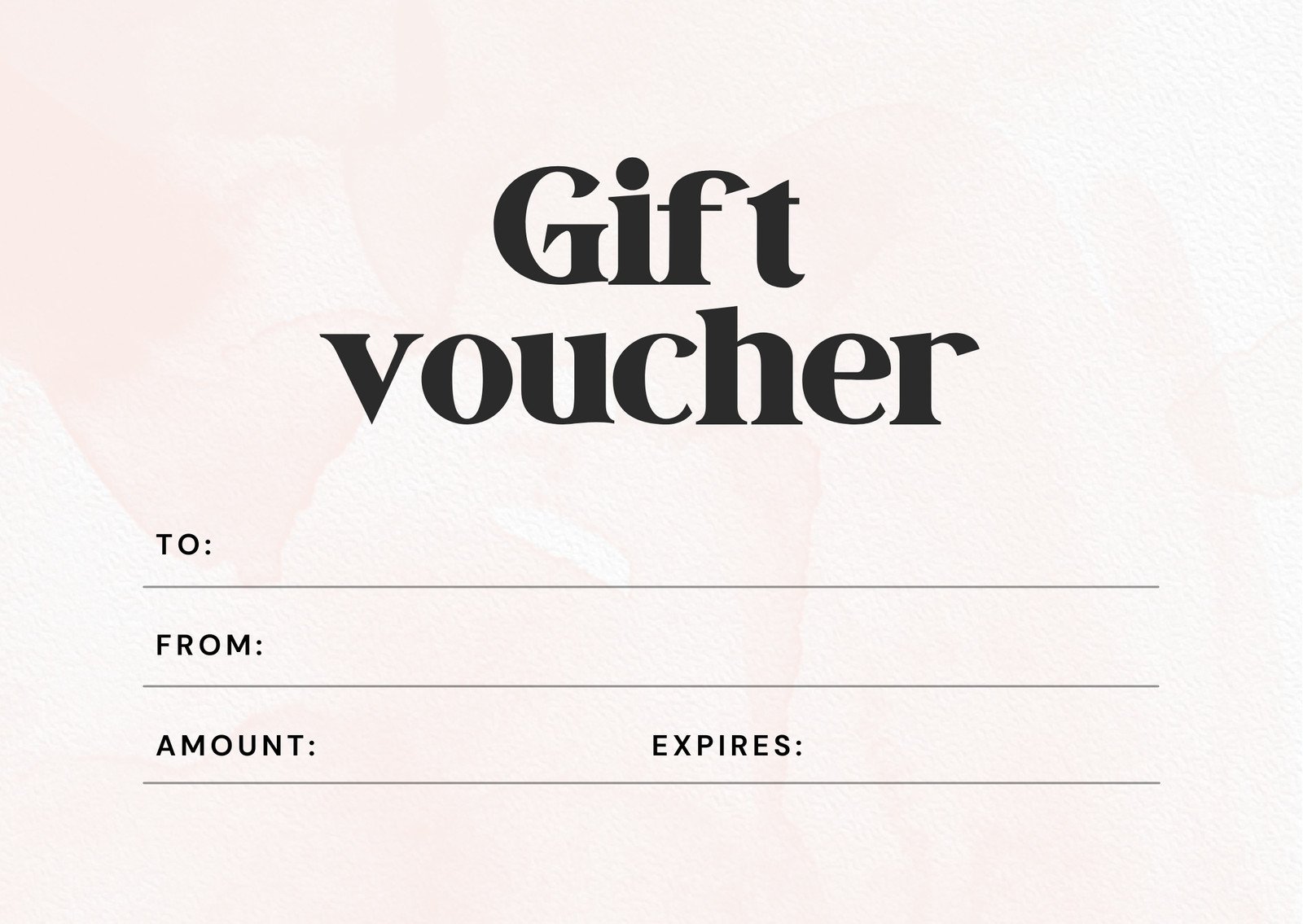
Before hitting print, make sure your printer is set up correctly. Here are a few tips:
- Use High-Quality Paper: For a more professional look, opt for cardstock instead of standard printer paper. Cardstock is thicker and more durable, making your gift certificate feel more substantial.
- Check Printer Settings: Set your printer to “Best Quality” in the settings menu. This option can usually be found under the “Print Quality” or “Preferences” section.
- Paper Size: Most gift certificates are designed for standard sizes like 8.5 x 11 inches. Make sure your printer is set to this size to avoid any cropping issues.
If you’re using a home printer, portrait layout typically works best. However, if your template is designed in landscape, ensure that your printer settings reflect that as well.
Customizing Your Gift Certificate
Customization is where the magic happens. Most templates allow you to add personal touches that make the certificate unique. Here’s how to go about it:
- Edit Text: Most templates will let you change the default text to something more personal. You can include the recipient’s name, the gift amount, and even a personal message.
- Add Images: Some templates allow you to insert your own images or logos. If you’re designing a certificate for a business, this could be a great way to promote your brand.
- Choose Fonts and Colors: Feel free to experiment with different fonts and colors that align with the occasion. This is especially fun when designing for children, as bright colors and playful fonts can make the gift certificate more appealing.
Real-World Uses for Gift Certificates
Gift certificates can be incredibly versatile. Here are some ideas for how you might use them:
- For Services: You could offer a certificate for a service you provide, such as babysitting, a home-cooked meal, or a car wash.
- For Experiences: Create certificates for movie nights, game days, or special outings.
- For Businesses: If you run a business, a gift certificate can encourage customer loyalty and attract new clients.
By tailoring the gift certificate to the recipient’s interests and needs, you can create a meaningful experience that goes beyond a simple gift.
Final Touches and Presentation
After printing your gift certificate, consider how you’ll present it. A little presentation can go a long way. Here are some ideas:
- Use an Envelope: Place the certificate in a decorative envelope that matches the theme of the gift.
- Include a Personal Note: A handwritten note can add a heartfelt touch and show that you’ve put thought into the gift.
- Consider Framing: For a special occasion, consider framing the gift certificate, especially if it’s for a service that requires a visit to a spa or restaurant.
By taking these steps, you’ll ensure that your gift certificate is not only useful but also beautifully presented.
What’s Next?
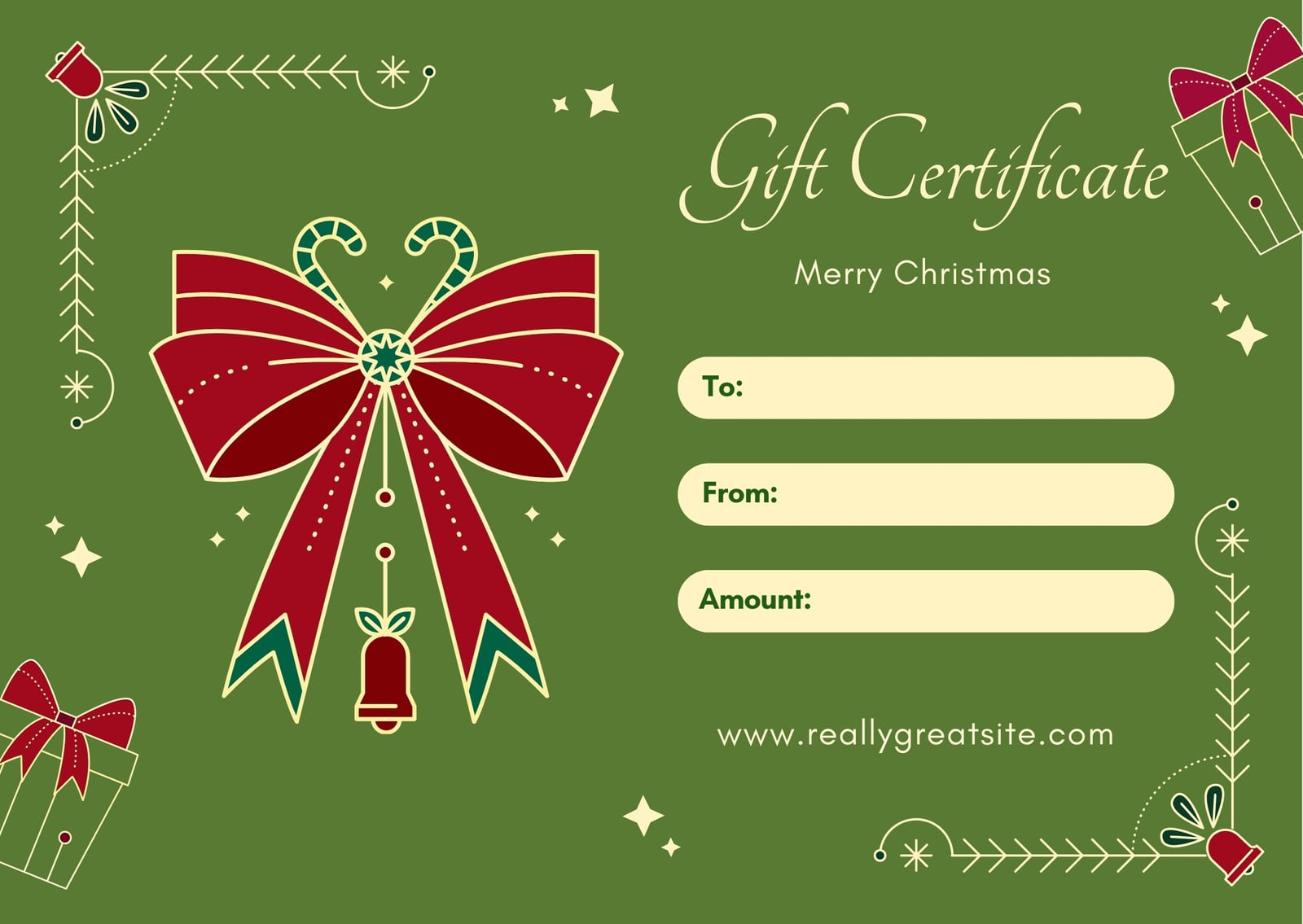
Now that you have all the information you need, it’s time to get creative! Download your chosen Free Printable Gift Certificate Template and start customizing it for your next occasion. With just a few clicks, you can create a thoughtful gift that’s sure to bring joy to your loved ones. Whether it’s a simple night out or a special treat, a personalized gift certificate is a great way to show you care. Happy printing!