
Creating and managing invoices can often feel daunting, especially for busy parents or small business owners. Fortunately, Downloadable Free Printable Invoice Templates can simplify this task significantly. These templates provide a straightforward way to bill clients or keep track of personal expenses without the need for complicated software. In this article, I’ll guide you through what to expect, how to customize these templates, and practical tips for using them effectively.
Understanding Invoice Templates
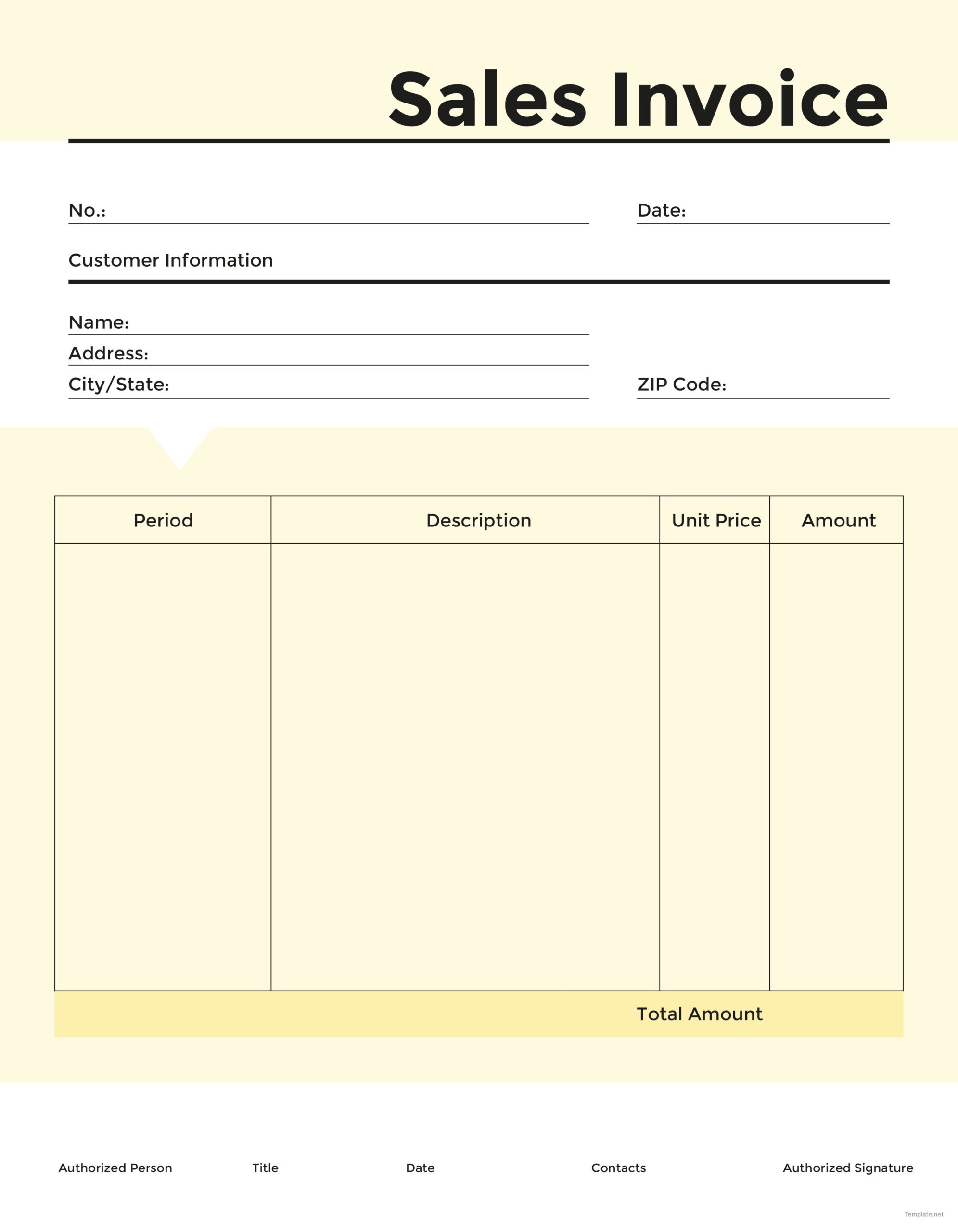
Invoice templates are pre-designed documents that allow you to input your information for billing. They typically include sections for your business name, contact information, client details, a breakdown of services or products provided, and totals. With downloadable free printable invoice templates, you can easily create professional-looking invoices without design experience.
Key Features of Invoice Templates
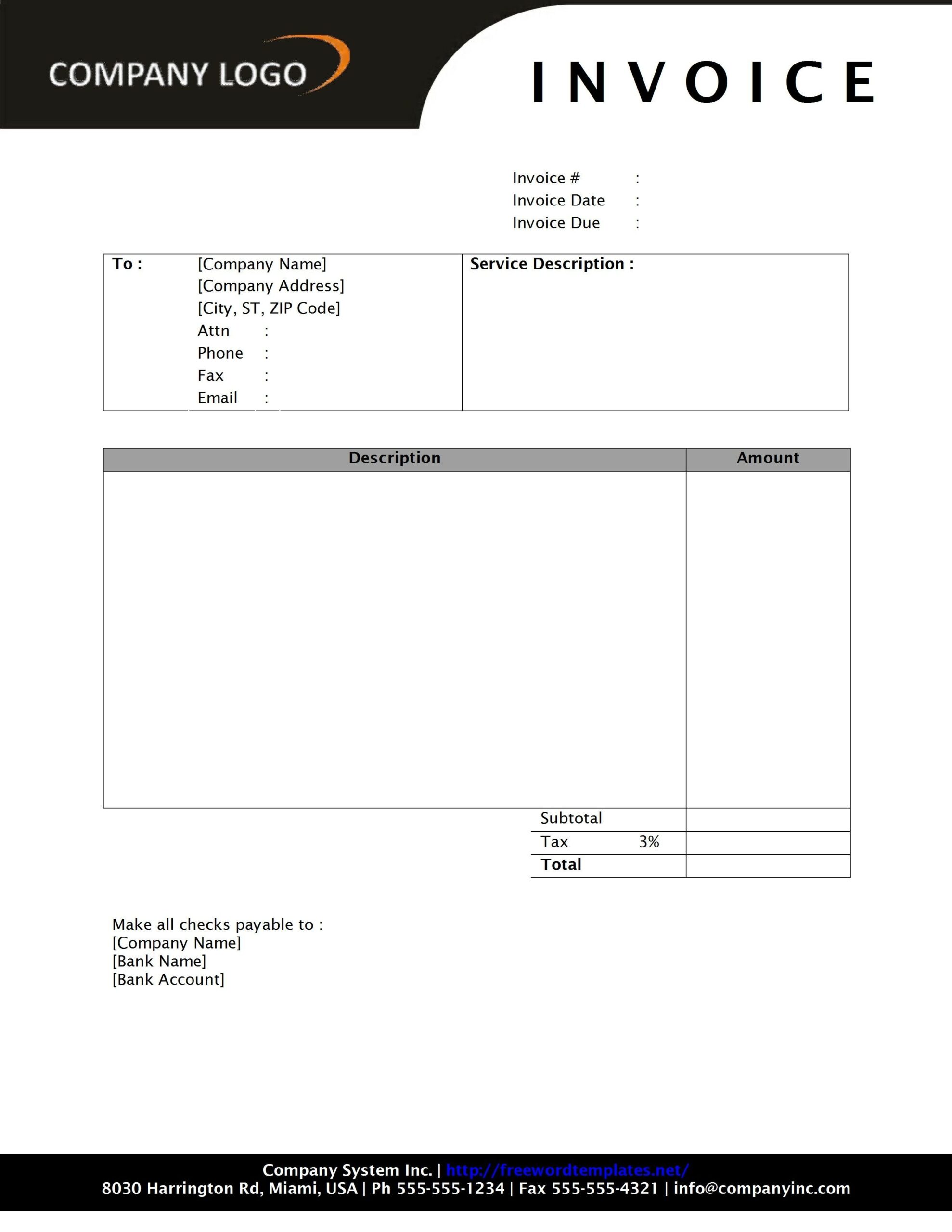
When selecting an invoice template, look for features that suit your needs. Here are some common components you might find:
- Header: Includes your business name and logo.
- Client Information: Space to fill in your client’s name and contact details.
- Invoice Number: Helps keep your records organized.
- Date: The date of the invoice issuance.
- Description of Services: A breakdown of what you are billing for.
- Total Amount Due: Clear indication of the total amount your client owes.
These features ensure that your invoice is not only user-friendly but also compliant with standard business practices.
Customizing Your Invoice Templates
One of the most significant advantages of using downloadable free printable invoice templates is the ability to customize them according to your needs. Most templates are available in formats like PDF or Word, which makes editing simple. Here’s how you can customize them effectively:
- Add Your Branding: Include your logo and use your brand colors to make the invoice reflect your business identity. This adds a professional touch and helps clients remember you.
- Modify the Layout: Depending on the template, you might be able to adjust the layout. For instance, if you offer multiple services, ensure the description section is spacious enough to accommodate them.
- Include Payment Terms: Clearly state payment due dates and methods accepted. This can help facilitate timely payments and avoid misunderstandings.
- Personalize Messages: Consider adding a note thanking your client for their business or inviting them to contact you with questions. This personal touch can foster better client relationships.
Downloading and Printing Your Invoice Templates
Downloading and printing your invoice templates is generally straightforward. Here are some practical steps to follow:
- Choose the Right Format: Most resources will offer templates in various formats. PDFs are great for maintaining formatting, while Word documents are more flexible for customization.
- Select the Right Size: Standard invoice sizes are often 8.5 x 11 inches (letter size) or A4. Make sure your printer can handle the size you choose for a clean printout.
- Check Printer Settings: Before printing, adjust your printer settings to ensure the best quality. Use portrait layout for invoices, as this is typically how they are formatted.
- Use Quality Paper: For a more professional feel, consider using a heavier paper or cardstock, especially if you deliver invoices in person or want to make a strong impression.
Practical Tips for Using Invoice Templates
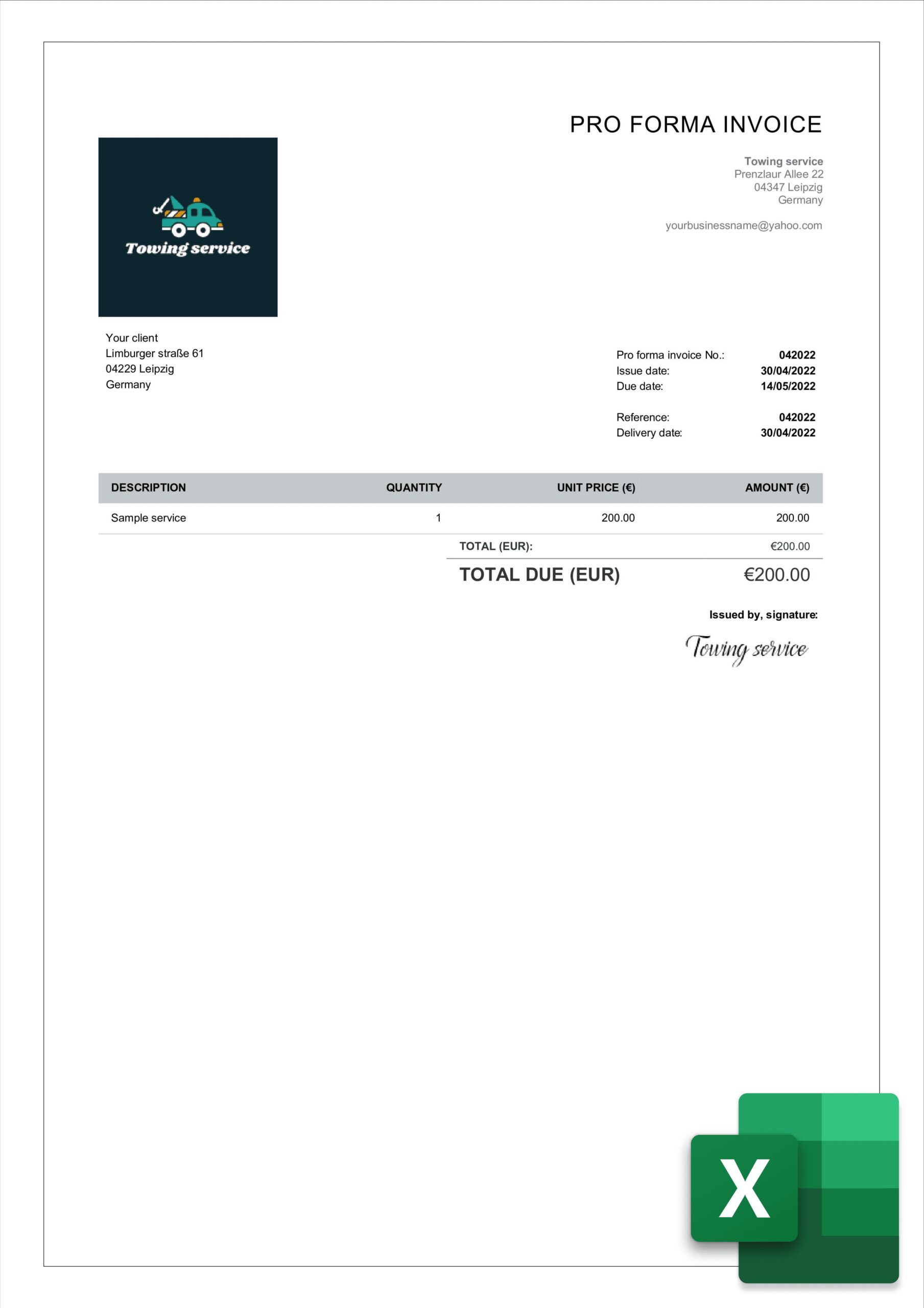
Using downloadable free printable invoice templates effectively can save you time and stress. Here are some tips to keep in mind:
- Keep Records: Always save a copy of each invoice you send. This can help you track payments and follow up if needed.
- Follow Up: If a payment is overdue, don’t hesitate to send a friendly reminder. This can often prompt clients to settle their bills sooner.
- Organize by Date: Consider filing your invoices chronologically. This will make it easier to reference past invoices when needed.
- Utilize Online Resources: Websites offering free templates often have various designs. Explore different options to find one that suits your style and needs.