
Creating a professional-looking business card can feel daunting, especially if you’re starting from scratch. Fortunately, with a Business Card Template For Free Printable, you can quickly design a card that reflects your personal brand without the need for expensive software or design skills. This guide will walk you through the features and customization options available, helping you create a card that stands out.
Understanding the Layout of Your Business Card Template
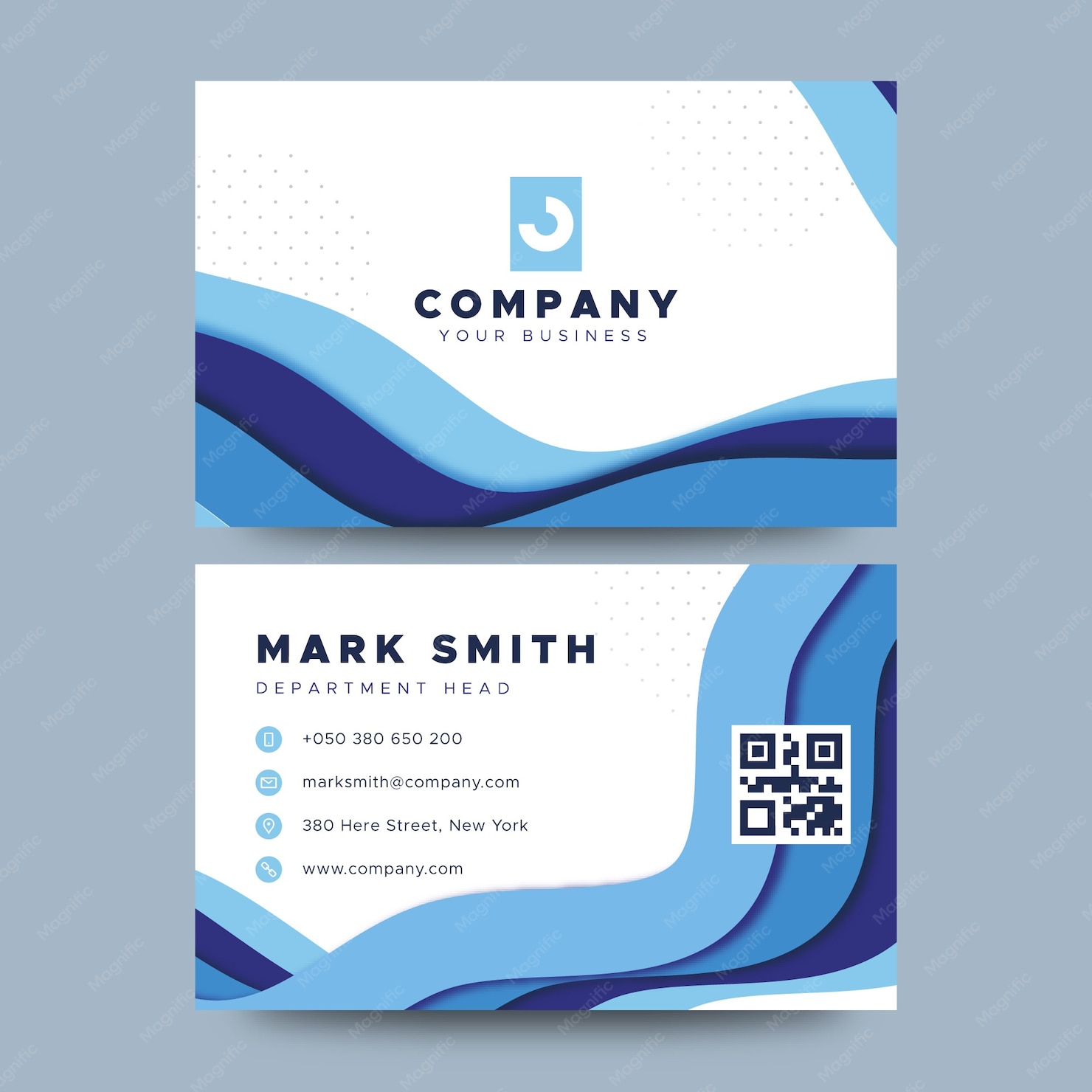
When you download a business card template, the layout is one of the first things you’ll notice. Most templates are designed to fit standard business card dimensions, typically 3.5 x 2 inches. This size is ideal for fitting into wallets and business card holders.
You’ll find that these templates usually include designated areas for essential information. Key sections typically include:
- Your Name: Make sure this is prominently displayed.
- Job Title: This helps recipients understand your professional role at a glance.
- Contact Information: Include your phone number, email address, and website if applicable.
- Logo: If you have a personal or business logo, this is the perfect spot for it.
The layout is often structured in a way that guides your eye naturally from one piece of information to the next. If you’re using a portrait layout, it tends to create a cleaner look, while landscape can give a modern twist. Choosing the right layout can set the tone for the impression you want to leave.
Customizing Your Template: Choosing the Right Elements
Customization is where you can make the template truly yours. Most free printable business card templates allow for easy modifications. You can easily change fonts, colors, and even the arrangement of elements. Here are some customization options to consider:
Fonts
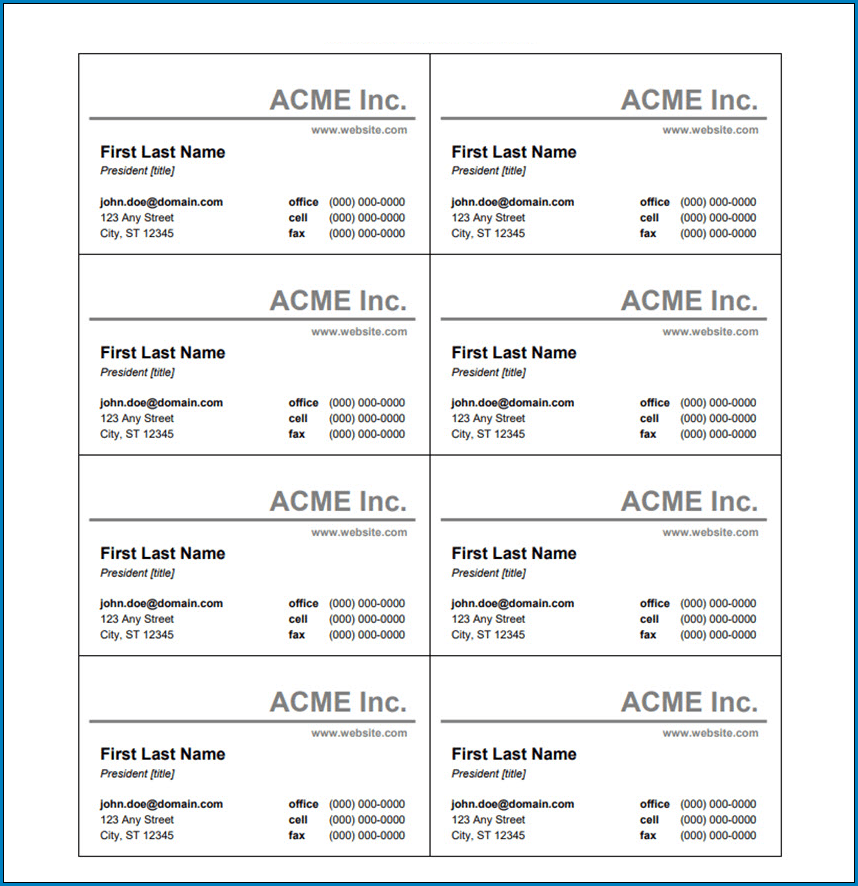
Selecting the right font is crucial. A clean, readable font communicates professionalism. Sans-serif fonts like Arial or Helvetica are often recommended for a modern look, while serif fonts like Times New Roman can convey a more traditional feel.
Colors
The color scheme you choose can significantly affect how your card is perceived. Stick to 2-3 colors that complement each other. If you’re in a creative industry, feel free to experiment with bolder colors. However, if you’re in a more conservative field, opt for classic colors like navy, black, or grey.
Logos and Images
Having a logo on your business card can enhance your brand identity. If your template allows, include a small image or logo. Make sure it doesn’t overpower the text; it should complement the information rather than distract from it.
Practical Considerations for Downloading and Printing
Once you’ve customized your business card template to your liking, it’s time to download and print. Most templates are available in PDF or PNG formats, which both have their pros and cons.
- PDF: This format is generally preferred for printing as it maintains the layout and quality of your design. Make sure to check the print settings; selecting “Actual Size” ensures your card prints at the correct dimensions.
- PNG: This format is good for online sharing but can sometimes cause issues with formatting when printed. If you choose this option, double-check the dimensions before printing.
Paper Selection
Choosing the right paper is equally important. Cardstock is the best option for business cards, as it provides durability and a professional feel. Look for a weight of at least 80 lb (216 gsm) for a sturdy card. If you plan to laminate your cards, opt for a slightly thinner cardstock to ensure they fit comfortably in a business card holder.
Incorporating Your Business Card Into Your Networking Strategy
Having a business card is just one part of networking; knowing when and how to distribute it is equally important. Always keep a few cards on hand, whether you’re attending a formal networking event or a casual meeting.
When handing out your card, try to make a personal connection first. This could mean discussing a common interest or complimenting the other person’s work. After establishing a rapport, casually offer your card. This approach makes the exchange feel more natural.
Storing Your Cards
Once you have your cards printed, consider how you’ll store them. A simple cardholder can keep your cards in good condition and make them easily accessible. You might also consider digital versions of your card to share via email or mobile apps.
Final Touches: What to Avoid
As you’re finalizing your business card, keep an eye out for common pitfalls:
- Overcrowding: Avoid cramming too much information onto your card. Stick to the essentials for clarity.
- Typos: Double-check your spelling and contact details. A small error can leave a lasting negative impression.
- Inconsistent Branding: Ensure that your business card aligns with your overall branding, including your online presence.
The most useful detail to remember when working with any business card template is that simplicity often speaks louder than complexity. A clean, well-organized card can make a powerful impression without overwhelming the recipient.