
Creating your own business cards can be a rewarding experience, especially when you can access a Business Cards Template Free Printable. Whether you are starting a new venture, seeking to network, or simply need cards for personal branding, these templates can save you time and money while allowing for customization that reflects your style. In this article, I’ll guide you through the types of templates available, how to customize them, and the practical tips for printing and using them effectively.
Understanding the Types of Business Card Templates
When searching for a business card template, you’ll encounter various styles and formats. The most common types include:
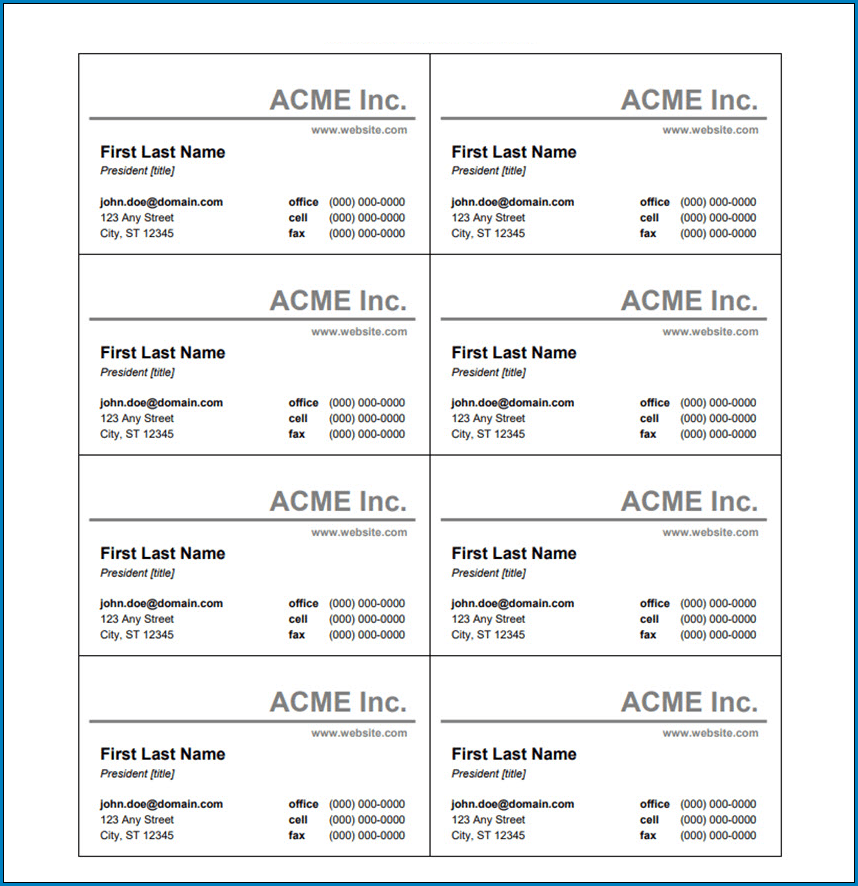
- Standard Layouts: These are typically 3.5 x 2 inches, which is the most widely accepted size for business cards. They fit perfectly in wallets and cardholders.
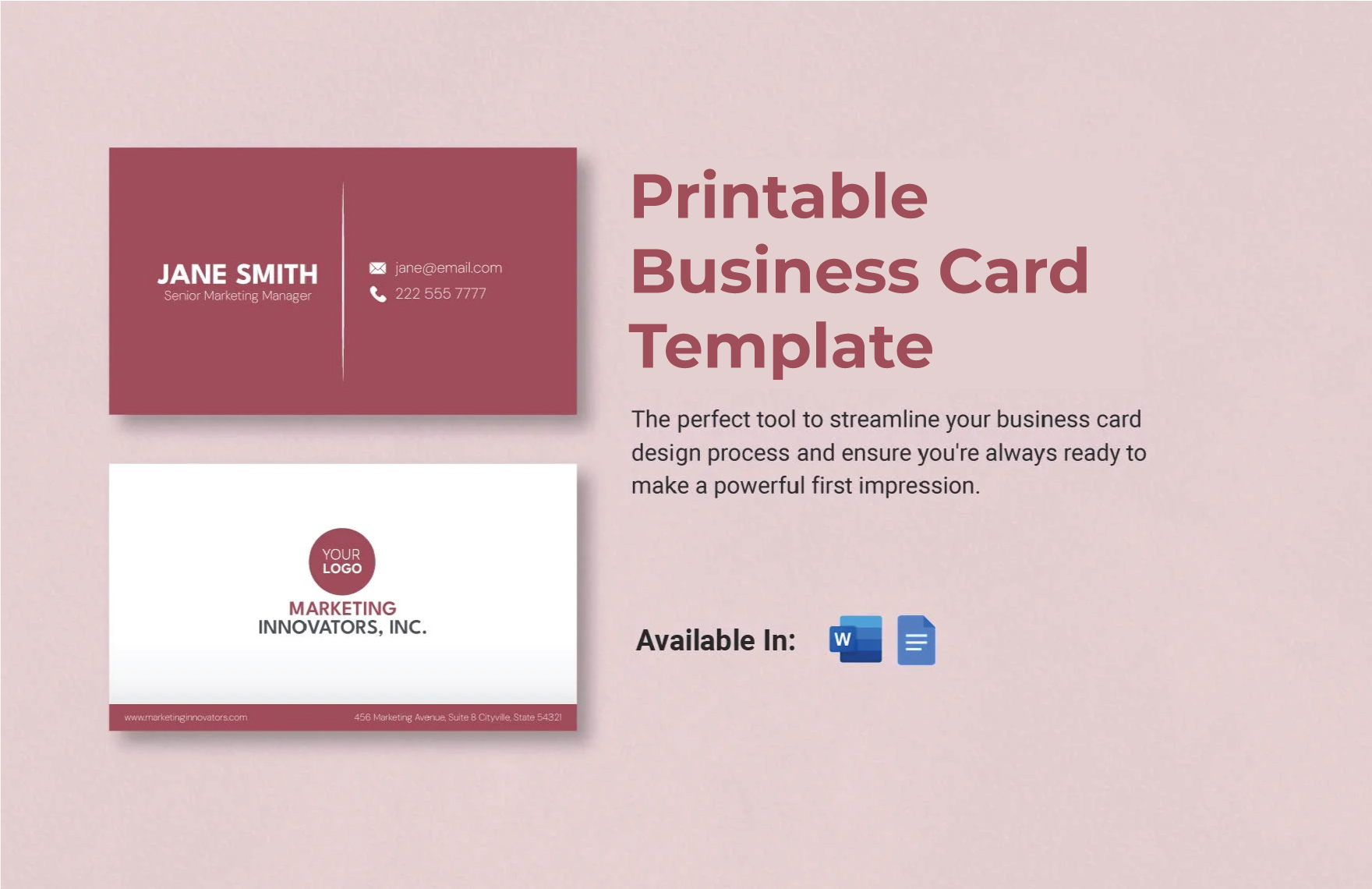
- Vertical Layouts: While less common, vertical business cards can stand out and offer a unique presentation. They are also usually 3.5 x 2 inches but are printed in portrait orientation.
- Folded Cards: Some templates allow for folded designs, which can provide more space for information and add a creative touch.
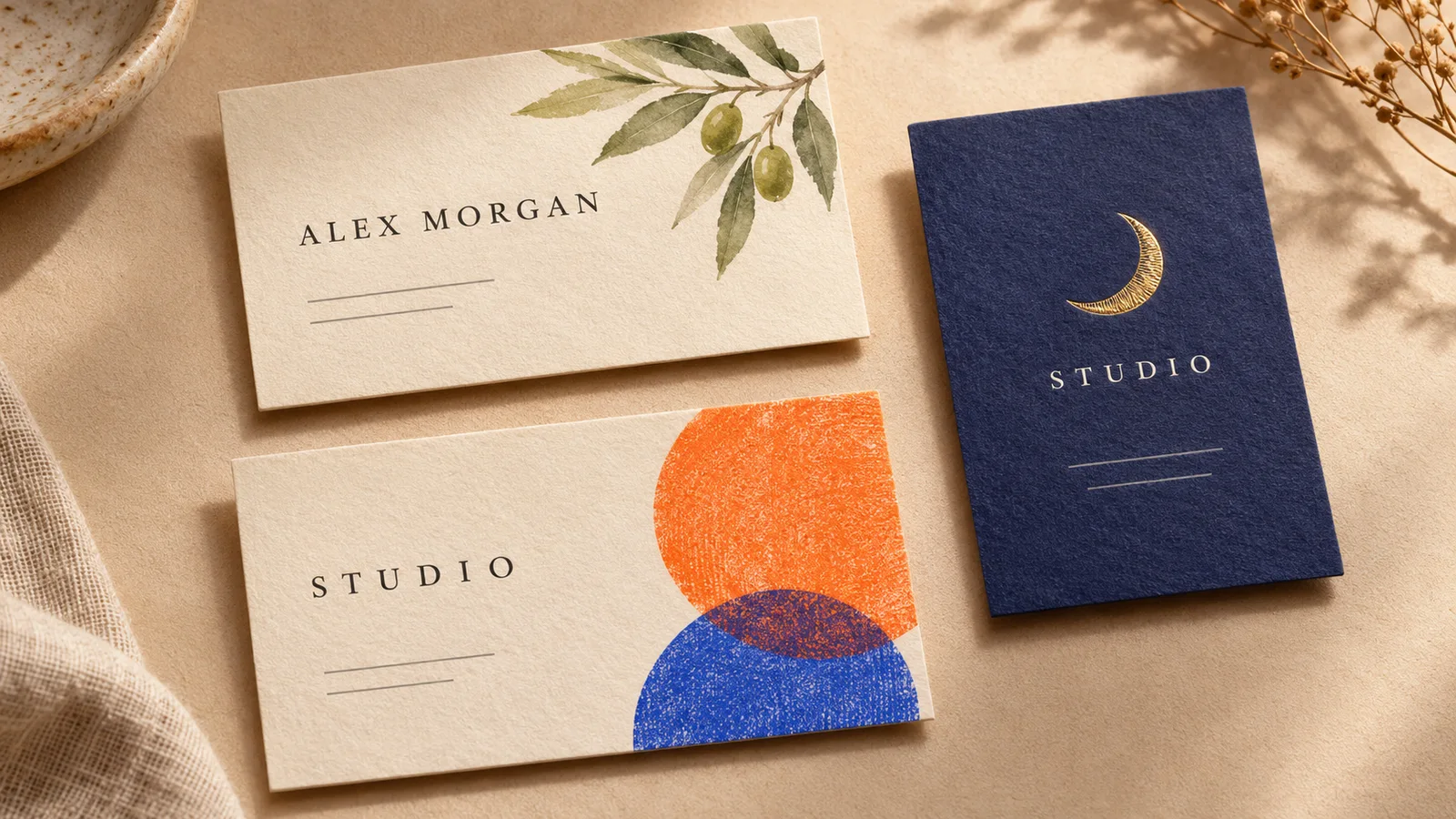
- Textured Designs: Templates with textures or graphical elements can enhance the visual appeal and make your card memorable.
Choosing the right template depends on your personal brand and the impression you wish to convey. Think about your audience and the message you want your card to communicate.
Customizing Your Business Card Template
Once you’ve selected a template, customization is key. Most free printable templates allow you to edit text, colors, and sometimes even images. Here are some practical tips for effective customization:
- Choose a Clean Font: Opt for fonts that are easy to read. Sans-serif fonts like Arial or Helvetica work well for modern designs, while serif fonts like Times New Roman can convey a more traditional feel.
- Color Scheme: Select colors that align with your brand. If you have a logo, consider using its colors to maintain consistency. For personal cards, choose colors that resonate with your personality or profession.
- Information Layout: Include essential details such as your name, title, company name, phone number, email, and website. Avoid overcrowding the card; leave some white space for a clean look.
- Images and Logos: If you have a logo, ensure it’s high resolution to avoid pixelation in print. Place it strategically to enhance the card without overwhelming the design.
- Proofread: Always double-check for typos or errors. It’s easy to overlook small mistakes, but they can make a significant difference in professionalism.
Downloading and Printing Your Business Cards
Once you’ve customized your template, it’s time to download and print. Here’s how to do it effectively:
- File Format: Most templates are available in PDF or PNG formats. PDFs are generally preferred for printing because they maintain the layout and quality. If you choose PNG, ensure the resolution is at least 300 DPI for clear printing.
- Paper Quality: Use high-quality cardstock for a professional finish. Standard paper can bend easily and might not give the best impression. A thickness of 14 to 16 points is ideal for business cards.
- Print Settings: When printing at home, set your printer to the highest quality. Use the correct paper size (usually A4 or Letter) and ensure that the layout is set to “Actual Size” to avoid resizing issues.
- Professional Printing Services: If you prefer, many online services offer printing for a reasonable price. They can typically handle larger orders and provide options for finishes like matte or glossy.
Practical Tips for Using Your Business Cards
Now that you have your business cards printed, consider how to use them effectively:
- Networking Events: Always carry a stack of cards to networking events. When meeting someone new, hand them your card while expressing your interest in staying connected.
- Follow-Up: After meeting someone, follow up with an email or message, referencing the conversation and attaching your digital card if applicable.
- Organize Your Cards: Use a cardholder to keep your business cards organized. You can also create a digital version to share via email or social media.
- Update Regularly: As your career progresses, don’t forget to update your business cards. Changing positions, contact details, or branding elements should prompt a new design.
Creating a Business Cards Template Free Printable is not only straightforward but also a fun way to express your professional identity. With the right tools and a clear understanding of how to customize and utilize your cards, you’ll be ready to make a lasting impression on anyone you meet.