
Managing your finances can sometimes feel overwhelming, especially when it comes to billing. That’s where a Free Printable Billing Invoice Template comes in handy. This resource is perfect for parents running a small business or even for those who just want to keep track of personal expenses. You can easily customize it to fit your needs, making it an efficient tool in your financial arsenal.
What is a Billing Invoice Template?
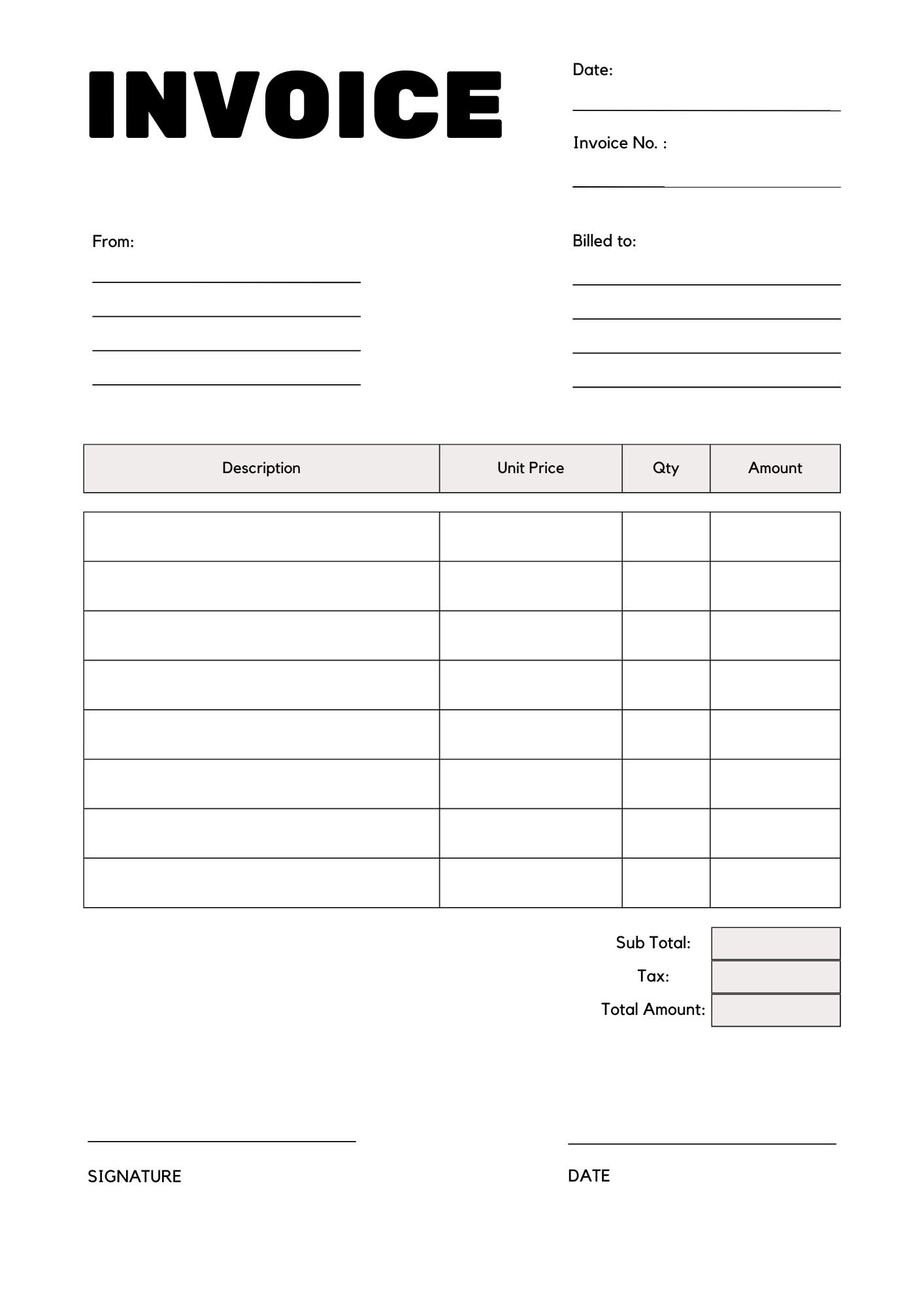
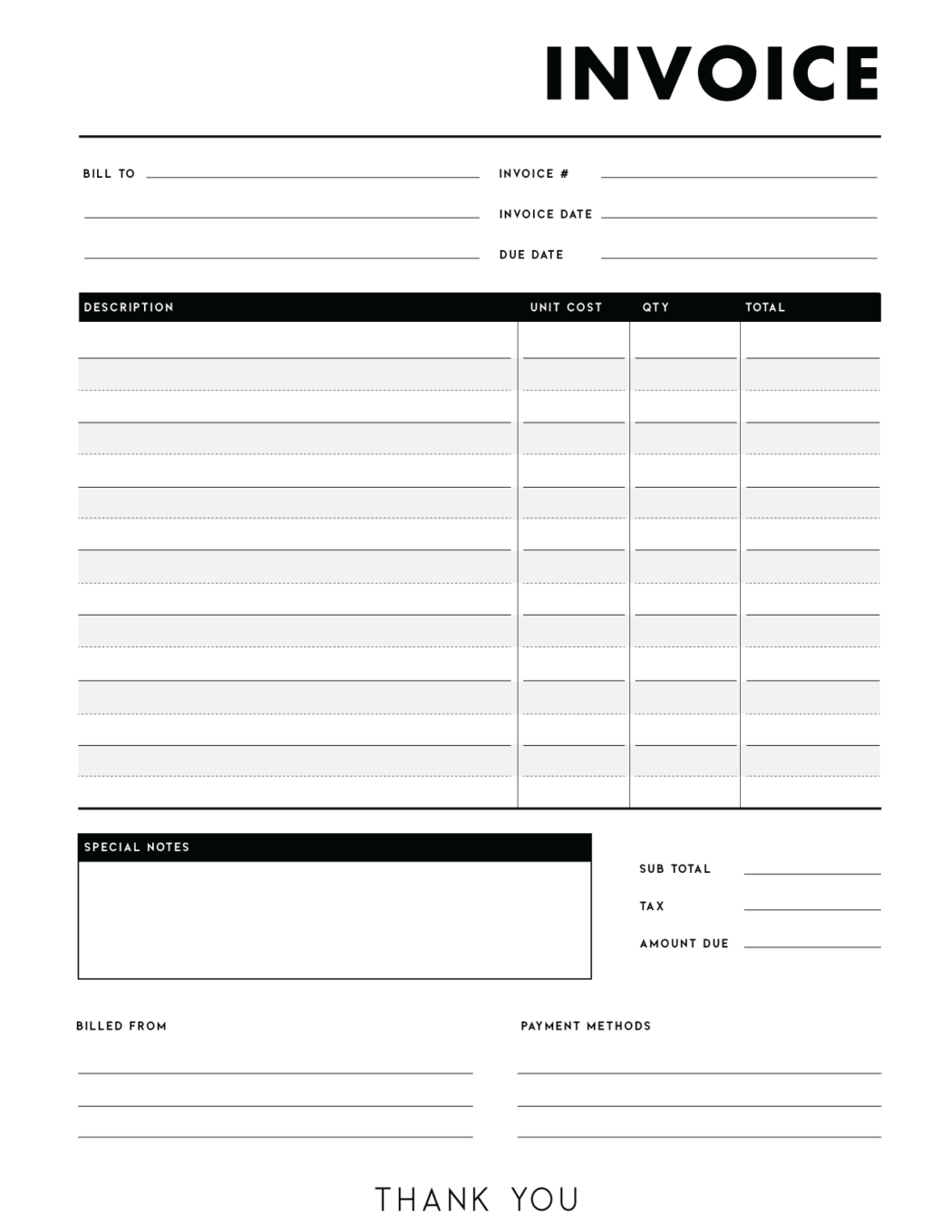
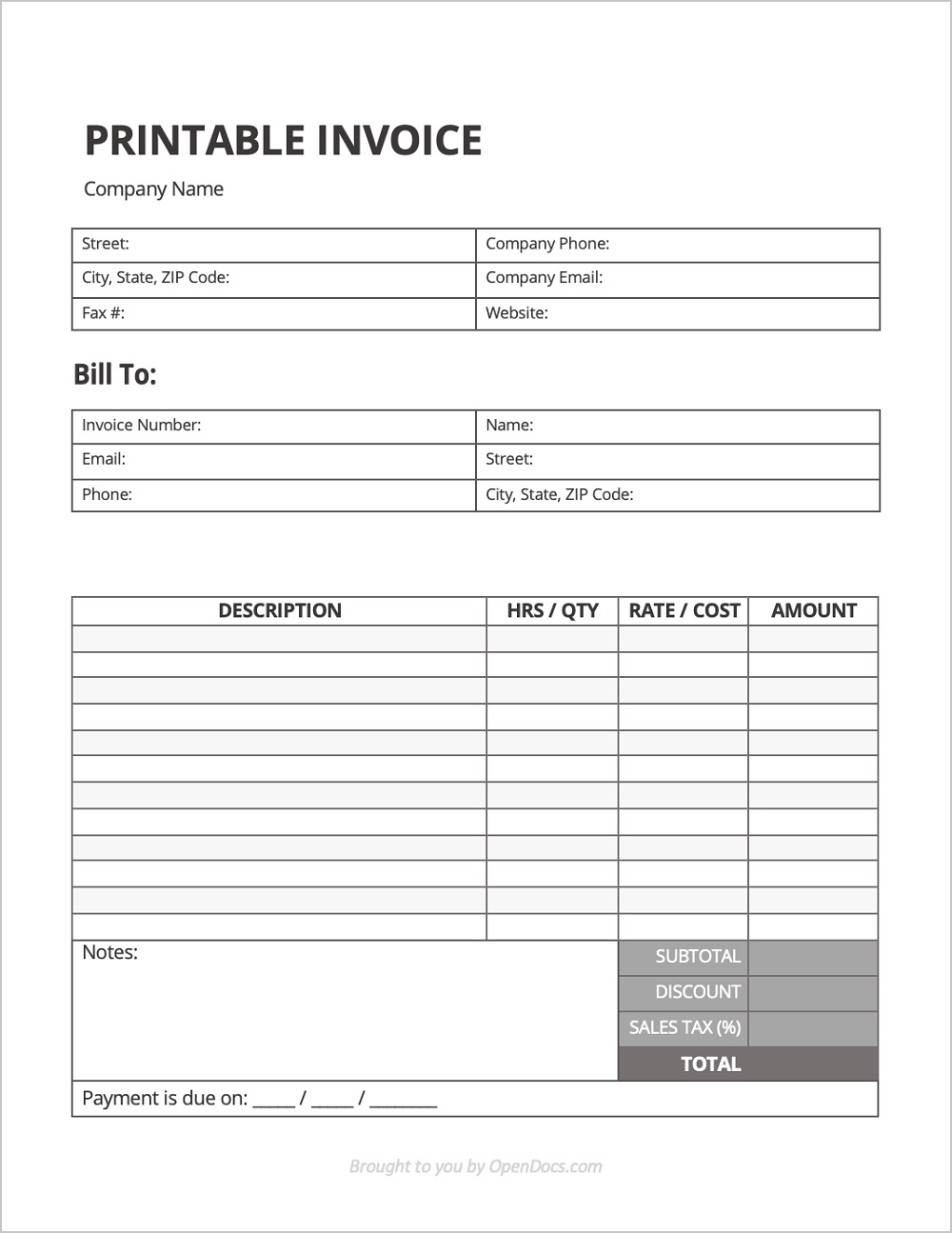
A billing invoice template is a pre-designed document that allows you to create invoices quickly and efficiently. It typically includes sections for your business name, client information, itemized list of services or products, totals, and payment instructions. With a printable template, you can fill in the necessary details by hand or digitally, depending on your preference. Having this organized document will not only help you keep track of your transactions but also present a professional image to your clients.
How to Customize Your Free Printable Billing Invoice Template
Customizing your billing invoice template is straightforward. Here’s a simple step-by-step guide to get you started:
- Download the Template: Look for a reputable website that offers free printable billing invoice templates. Make sure to choose a format that suits your needs—typically, PDF or Word formats are the most user-friendly.
- Open the Template: If you downloaded a PDF, you may need a PDF reader to edit it. For Word documents, you can open them directly in Microsoft Word or Google Docs.
- Fill in Your Information: Start by entering your business name, address, and contact details at the top. This is essential for establishing your brand and ensuring clients know how to reach you.
- Client Information: Next, add your client’s name and address. This helps keep records organized and personal.
- Itemize Your Services or Products: List the services or products provided, along with quantities and prices. Be clear and concise to avoid any confusion.
- Calculate Totals: Include subtotal, taxes, and the final amount due. This is vital for transparency and helps clients understand their charges.
- Payment Instructions: Clearly state how you would like to be paid—whether it’s via bank transfer, check, or another method.
- Save and Print: Once you’re satisfied with your invoice, save the document and print it out. Ensure you have the right paper settings for your printer, usually standard A4 or letter size.
Formatting and Printing Tips
When it comes to printing your billing invoices, a few tips can make the process smoother:
- Choose the Right Paper: For a more professional appearance, consider using heavier paper or cardstock. This helps your invoice stand out and feel substantial.
- Printer Settings: Always check your printer settings before printing. Make sure you select the correct paper size and orientation (portrait is the most common for invoices).
- Test Print: If you’re using a new template or printer settings, do a test print first to ensure everything appears as expected. This step can help avoid wasting paper and ink.
- Digital Copies: If you prefer, keep a digital copy of each invoice. This can help you track payments and provide a quick reference for your records.
Practical Uses for Your Billing Invoice Template
Having a billing invoice template on hand opens up a world of possibilities. Here are some practical uses:
- Freelancers: If you offer services like graphic design, writing, or tutoring, a billing invoice helps you keep track of your projects and payments.
- Small Business Owners: Whether you run a home-based bakery or sell handmade crafts online, invoices are crucial for managing sales and finances.
- Household Projects: If you’re hiring out work (like landscaping or home repairs), you can use an invoice to keep track of what you owe and when payments are due.
- Personal Finance: Even for personal expenses, having a structured invoice can help you manage payments for services like childcare or pet sitting.
Things to Watch Out For
While using a Free Printable Billing Invoice Template is convenient, there are a few things to keep in mind:
- Stay Organized: Keep a folder (physical or digital) for all your invoices. This makes it easier to track payments and follow up on outstanding balances.
- Check for Errors: Before sending out invoices, double-check all numbers and information. Simple mistakes can lead to confusion and delayed payments.
- Set Clear Payment Terms: When sending invoices, be clear about your payment terms. Specify when payment is due and any late fees that may apply.
- Update Regularly: As your business evolves, make sure to update your template to include any new services or changes in pricing.
Using a Free Printable Billing Invoice Template can streamline your billing process and help you maintain a professional image. By customizing it to fit your needs and following the tips outlined here, you’ll ensure that managing your finances becomes a much smoother experience. Whether you’re a busy parent juggling work and home life or a small business owner, this tool can make a real difference in how you handle transactions.