
When you’re running a home-based business or managing freelance projects, having a reliable invoicing system can make all the difference. One essential tool is the Free Printable Billing Invoice Templates. These templates not only help you maintain professionalism but also streamline your billing process, ensuring that you get paid on time. Let’s explore how these templates can be your best friend in managing finances.
Understanding Printable Billing Invoice Templates
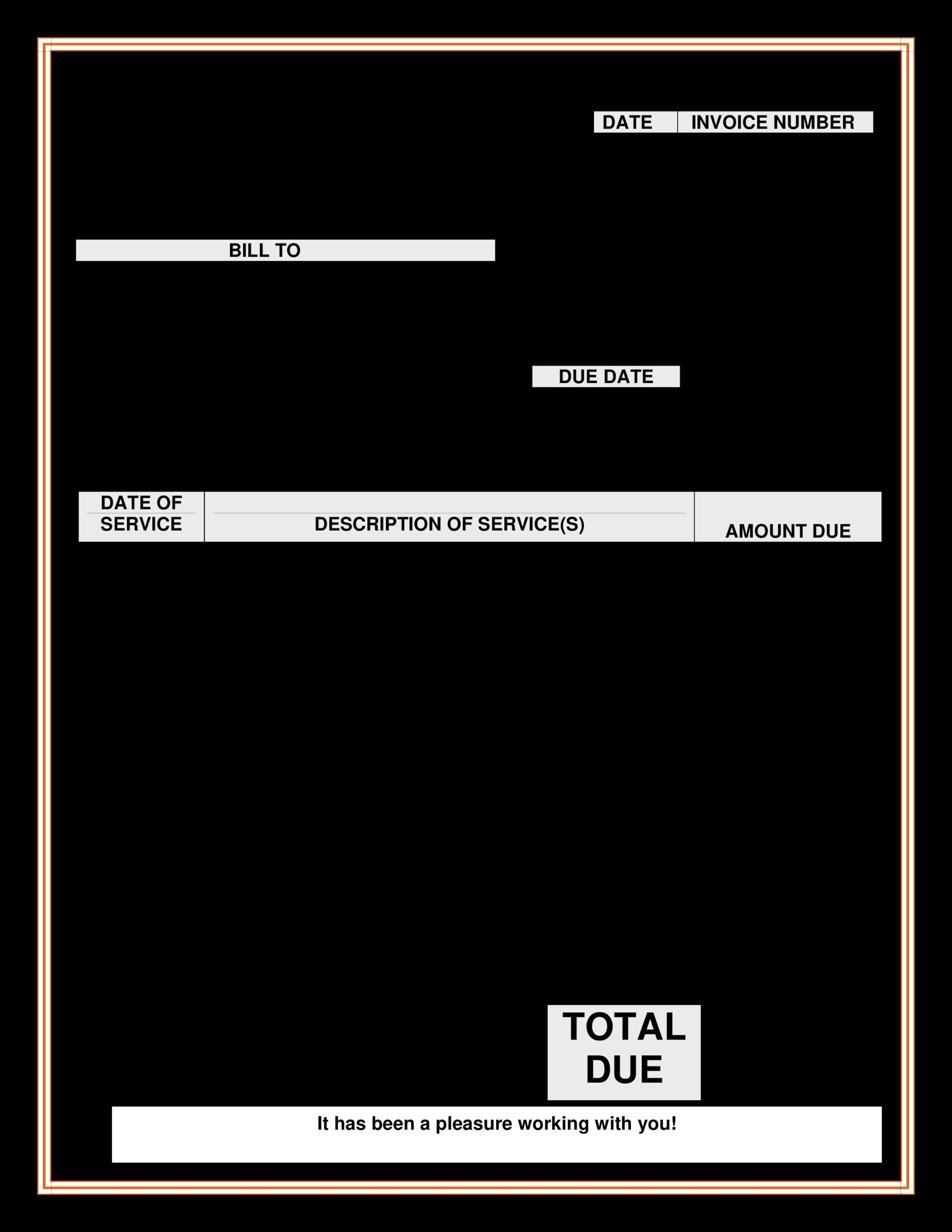
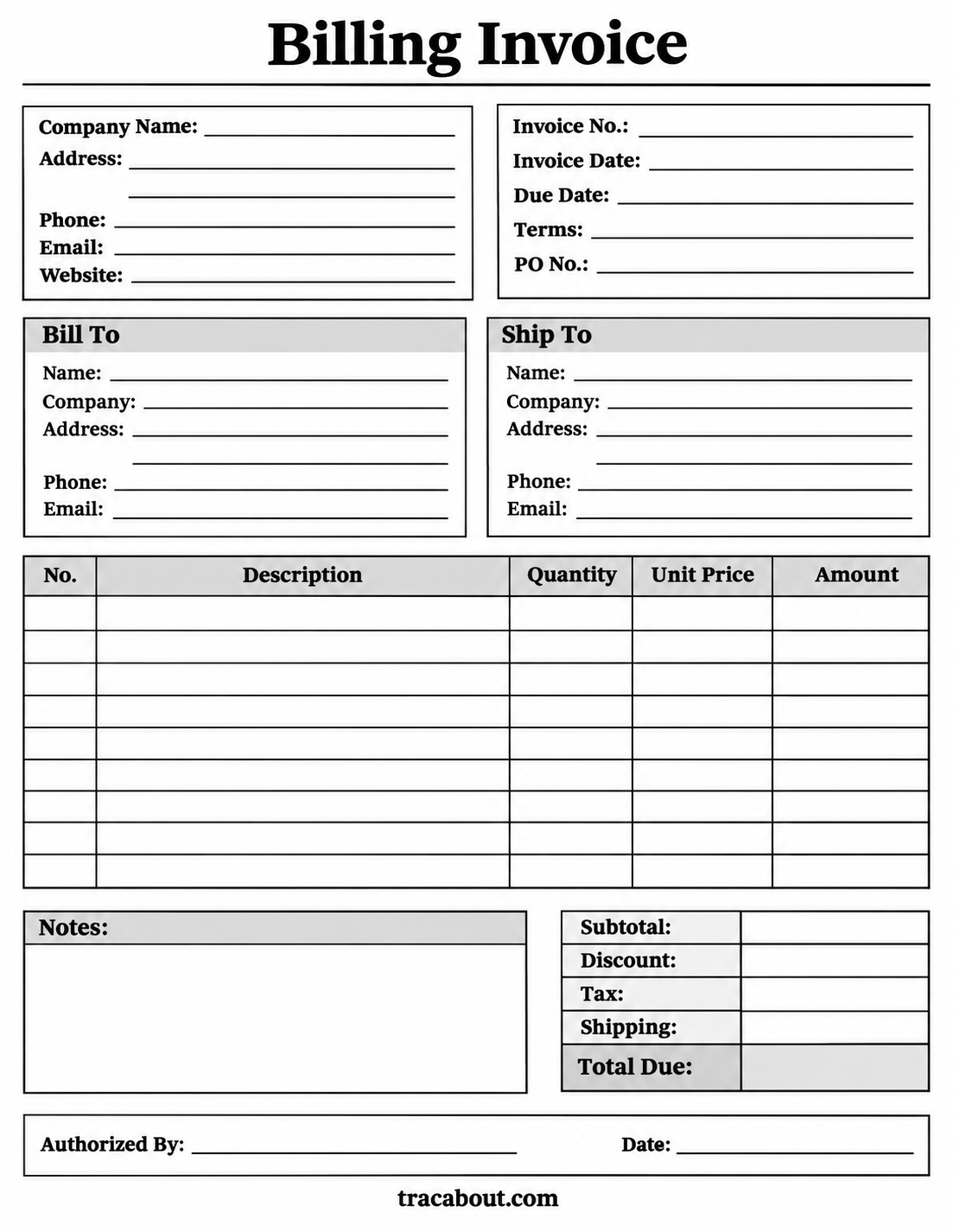
Printable billing invoice templates are pre-designed formats that allow you to create professional invoices quickly. They come in various styles and formats, making it easy to find one that matches your business’s aesthetic. Typically available in PDF, DOC, or Excel formats, these templates can be customized to fit your specific invoicing needs.
What can be customized? You can alter details like your business name, logo, contact information, item descriptions, and prices. Many templates also include sections for taxes, discounts, and payment terms, which can be tailored to your requirements.
Choosing the Right Format for Your Needs
When selecting a Free Printable Billing Invoice Template, consider the format that suits your needs best. Here are some common formats:
- PDF: This format is great for maintaining the design integrity of your invoice. It’s universally accessible and ensures that your invoice looks the same no matter where it’s opened. Just remember to have a PDF viewer installed!
- DOC: If you prefer to edit the template in a word processor, DOC files are perfect. You can easily make changes and add personal touches, but be cautious about formatting issues when printing.
- Excel: For those who like to keep track of invoices and payments in a spreadsheet format, Excel templates allow for easy calculations and data management.
Make sure to choose a format that aligns with how you plan to use the invoice. If you’re frequently updating your prices or services, a DOC or Excel format may be more convenient.
Paper Choices and Printer Settings
Choosing the right paper for printing your invoices can enhance their professional appearance. Standard printer paper (8.5” x 11”) works well for most situations, but if you want to give your invoices a bit more heft, consider using cardstock. It’s thicker and feels more substantial, which could impress your clients.
When it comes to printer settings, here are a few tips to ensure your invoices look their best:
- Print Quality: Select a high-quality print mode to ensure that text and images (like your logo) are sharp and clear.
- Orientation: Most invoices are designed in portrait mode, but check your template. If it’s landscape, adjust your printer settings accordingly.
- Margins: Be mindful of margins in your printer settings. Using default settings often works well, but if your design has specific requirements, make sure to adjust accordingly.
Customizing Your Invoice for a Personal Touch
The beauty of using Free Printable Billing Invoice Templates is the ability to customize them. Here are a few easy ways to make your invoices stand out:
- Logo: Adding your business logo at the top of the invoice not only makes it look professional but also reinforces your brand.
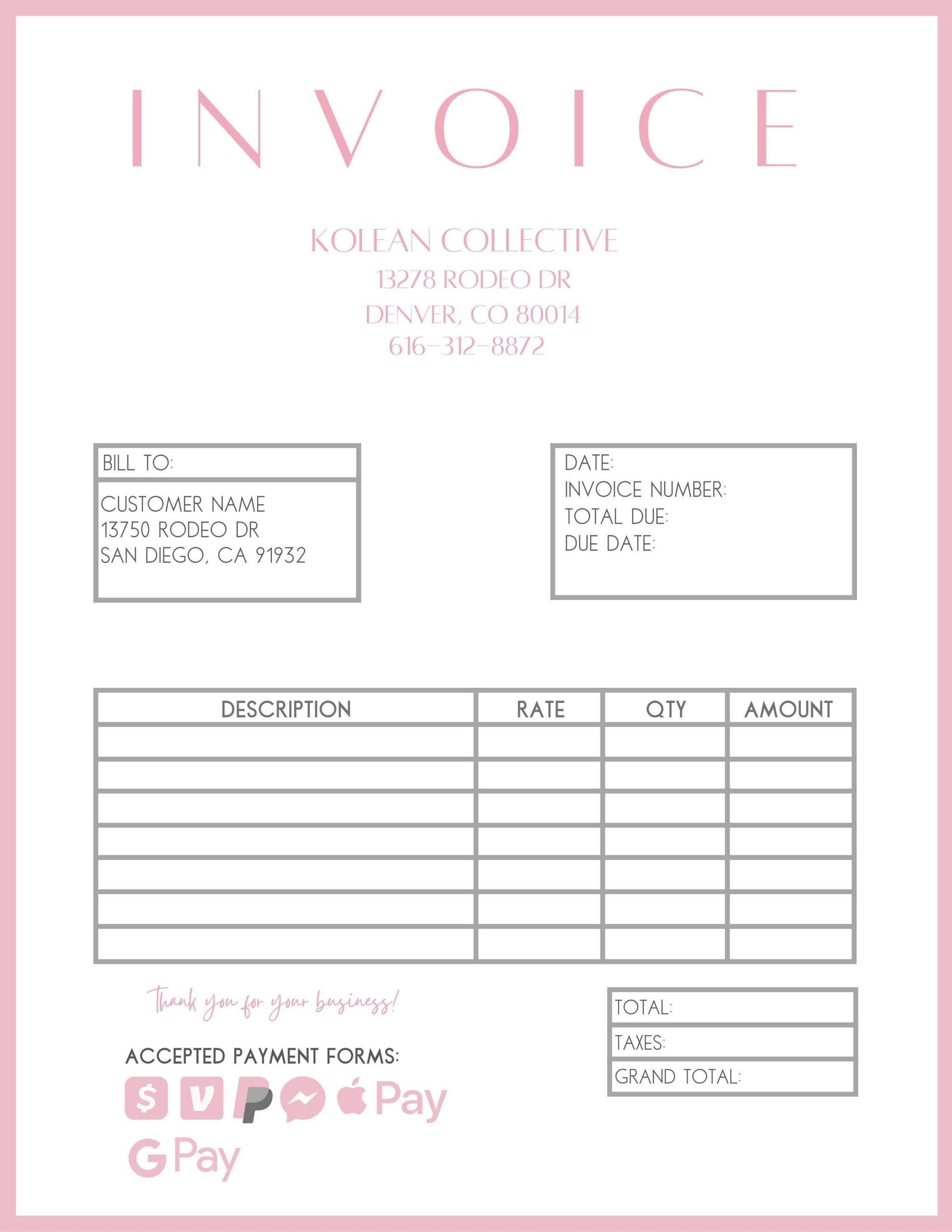
- Color Scheme: Use colors that align with your brand identity. This can be as simple as changing the font color or adding colored borders.
- Personal Message: Consider adding a short thank-you note or payment instructions at the bottom of your invoice. It adds a personal touch and can improve client relationships.
Practical Use Cases for Invoices
Invoices are essential for various scenarios, If you are a freelancer, a small business owner, or just managing personal projects. Here are some common use cases:
- Freelancers: If you’re providing services like graphic design, writing, or consulting, invoices are crucial for getting paid. Using a consistent template helps you maintain professionalism.
- Home-based Businesses: Selling products online or at craft fairs? Keep track of sales and manage customer payments with well-structured invoices.
- Event Planning: If you’re coordinating events, invoices can help you bill clients for services, catering, and rentals.
By utilizing Free Printable Billing Invoice Templates, you not only simplify the payment process but also enhance your business’s professionalism.
Next Steps: Download and Use Your Templates
Ready to get started? Download your chosen Free Printable Billing Invoice Template today! Make sure to customize it to reflect your brand and specific services. Once you’ve made your adjustments, print a test page to ensure everything appears as expected. After that, you’re all set to start sending invoices and getting paid for your hard work!
Remember, a well-crafted invoice not only helps you get paid but also establishes a professional relationship with your clients. Choose your template wisely, customize it to fit your needs, and enjoy the benefits of organized, professional invoicing.