
Creating a gift certificate can be a thoughtful way to give someone a special treat, whether it’s for a birthday, holiday, or just to show you care. A Gift Certificate Template Free Printable makes this process even easier. You can customize it to fit the occasion and the recipient, ensuring that your gift is both personal and unique.
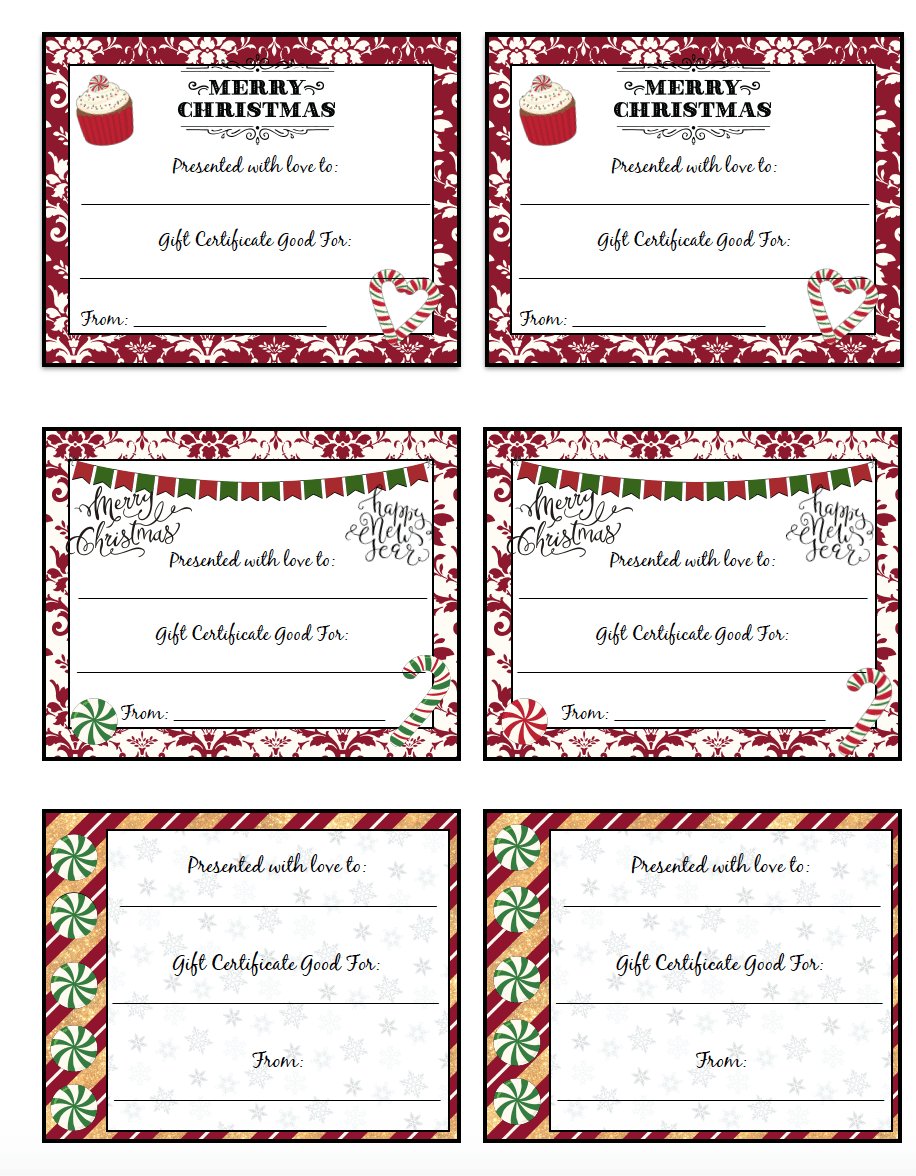
Why Use a Free Printable Gift Certificate Template?
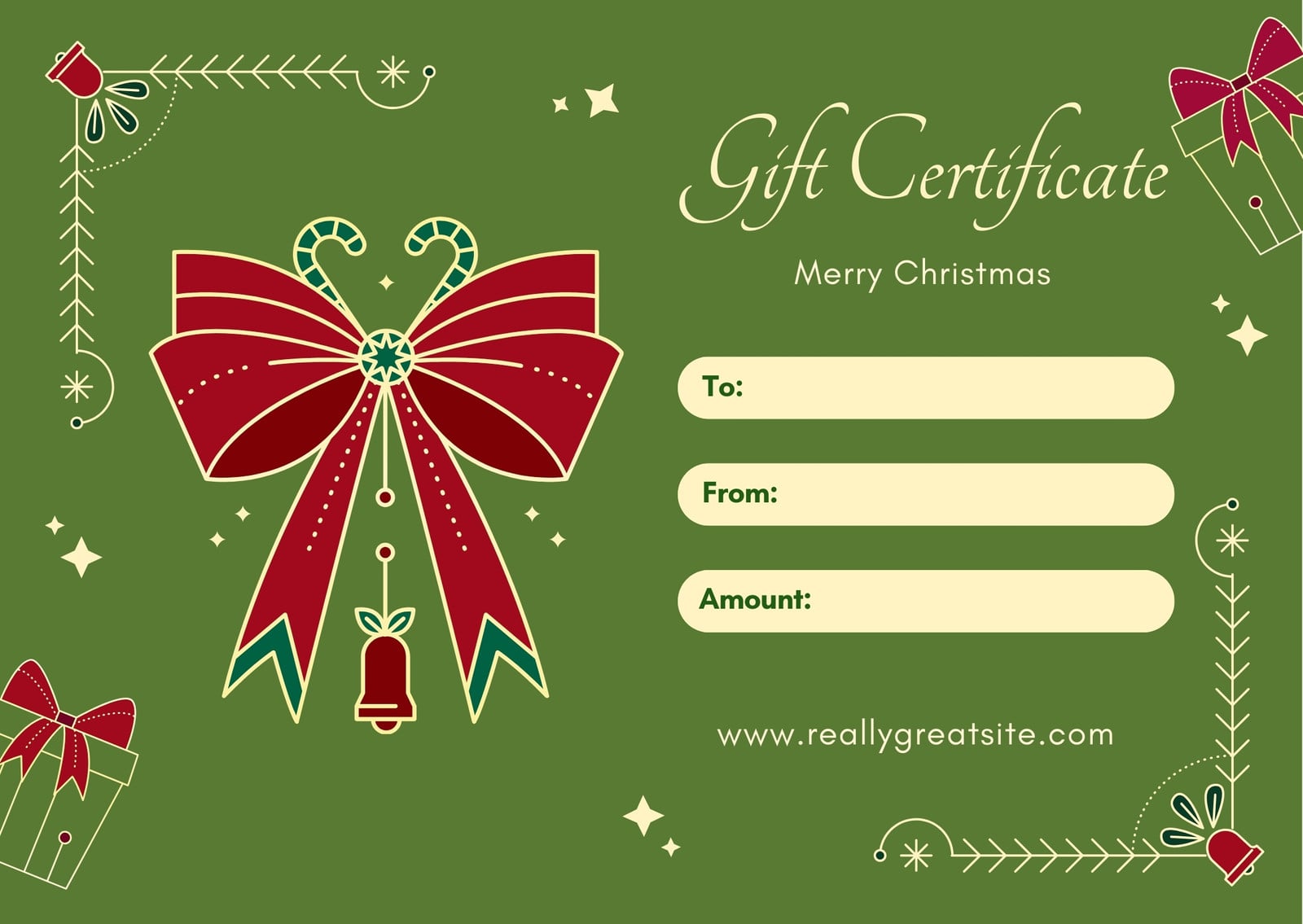
Using a free printable gift certificate template saves you time and effort while providing a polished look. Instead of spending hours designing one from scratch, you can simply download a template, fill in the details, and print it. This is especially useful when you’re pressed for time or need a last-minute gift idea.
Additionally, these templates often come in various styles and designs, allowing you to choose one that fits your gifting occasion perfectly. Whether it’s for a spa day, a dinner out, or a creative workshop, there’s likely a template that matches the vibe you want to convey.
Customizing Your Gift Certificate Template
When you download a gift certificate template, customization is key to making it feel personal. Here are some essential elements you can modify:
- Recipient’s Name: Personalize the certificate with the name of the person you’re gifting it to.
- Gift Amount: Specify the value of the gift, whether it’s a flat amount or a specific service.
- Expiration Date: Include a date by which the gift must be redeemed, if applicable.
- Personal Message: Add a heartfelt note or a special message to make the gift even more meaningful.
- Design Elements: Adjust colors, fonts, and images to match the occasion or the recipient’s taste.
It’s important to choose a template that allows for these modifications easily. Many printable templates are available in PDF format, which is ideal for straightforward editing and printing.
Downloading and Printing Your Template
Once you’ve chosen a template, the next steps involve downloading and printing it. Here’s how to make the most of your experience:
- Choose the Right File Format: Most templates come in PDF, which is preferred for printing as it maintains the layout and quality. Ensure you have a PDF reader installed on your computer.
- Select Paper Size: Standard letter-sized paper (8.5” x 11”) works well for most templates. If your printer supports it, you might also consider using cardstock for a sturdier gift certificate.
- Printer Settings: Set your printer to the highest quality print setting to ensure the best results. If you’re using cardstock, make sure your printer can handle that thickness.
- Test Print: Before printing your final version, consider doing a test print on regular paper. This allows you to check alignment, spacing, and overall appearance without wasting your cardstock.
- Cut and Finish: If your certificate is designed with borders or specific cut lines, use scissors or a paper cutter for a clean finish.
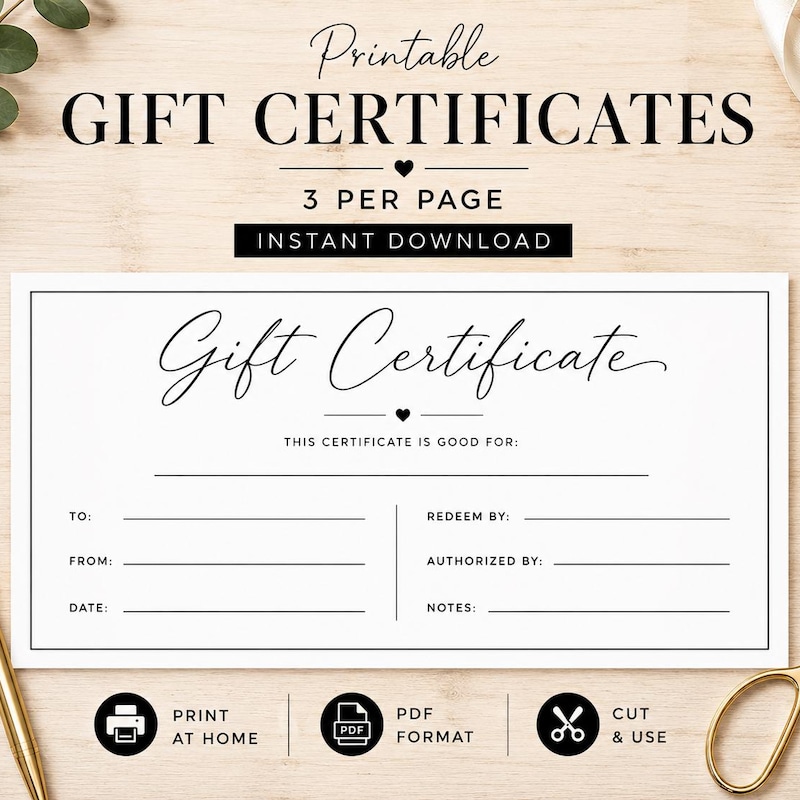
Creative Uses for Gift Certificates
Gift certificates are incredibly versatile and can be used for various occasions. Here are some creative ideas for utilizing your gift certificate template:
- Spa Day: Treat someone to a relaxing day at the spa with a certificate for massages, facials, or other treatments.
- Dinner Out: Create a certificate for a specific restaurant or a monetary value that can be used for a meal.
- Classes or Workshops: Encourage someone to learn something new, whether it’s cooking, painting, or yoga classes.
- DIY Experiences: Make it a unique experience by offering a day out together, such as a hiking trip or a visit to a local attraction.
By customizing your gift certificate template to fit these ideas, you can create a memorable experience for the recipient.