
Creating the perfect business card can be a fun and creative process, especially when you have access to free resources. With Free Business Card Templates Printable, you can design a card that reflects your personal style or brand identity without spending a dime. These templates are typically formatted for standard card sizes, like 3.5 x 2 inches, which makes them easy to print on common cardstock at home or at your local print shop.
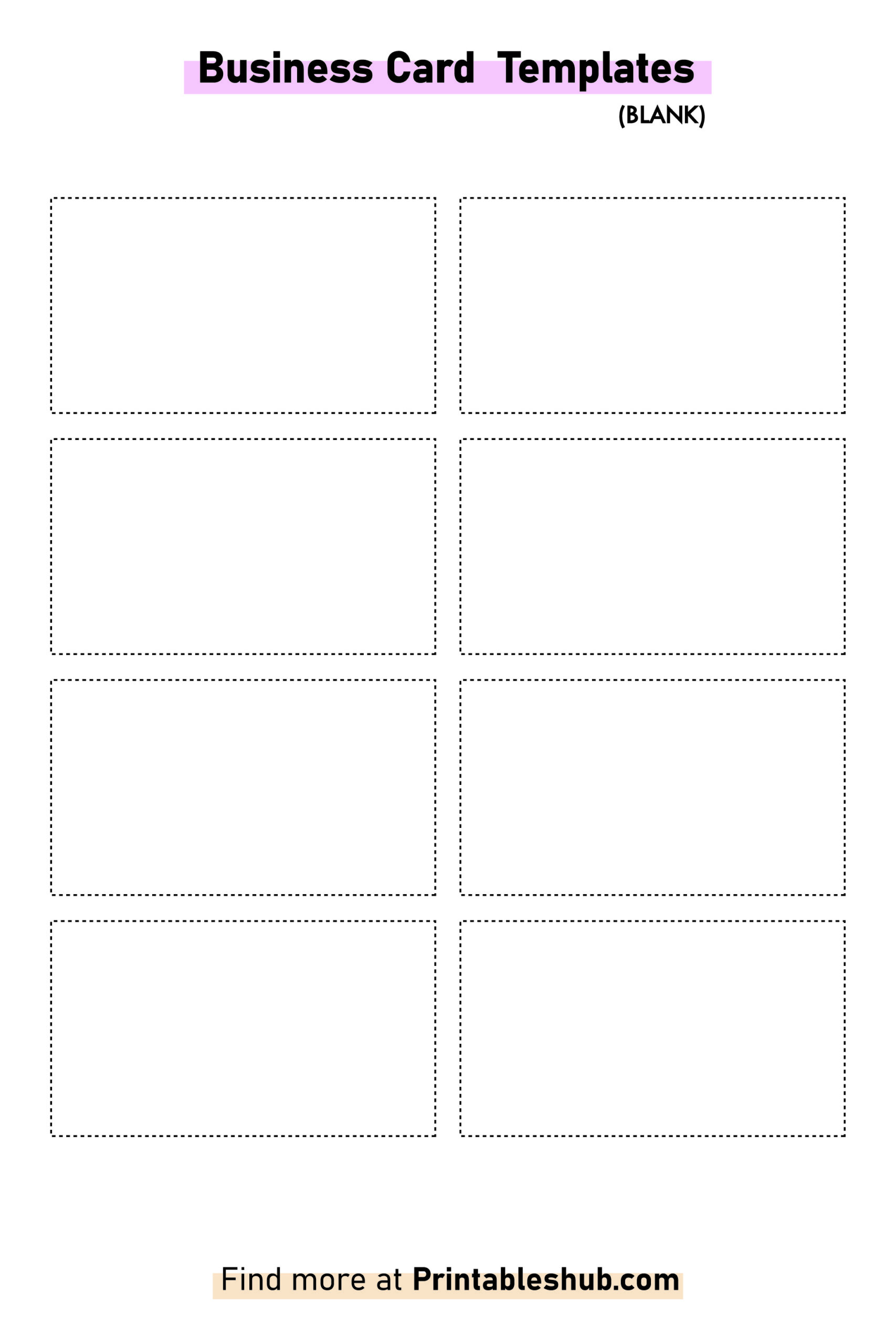
Understanding the Layout of Business Card Templates
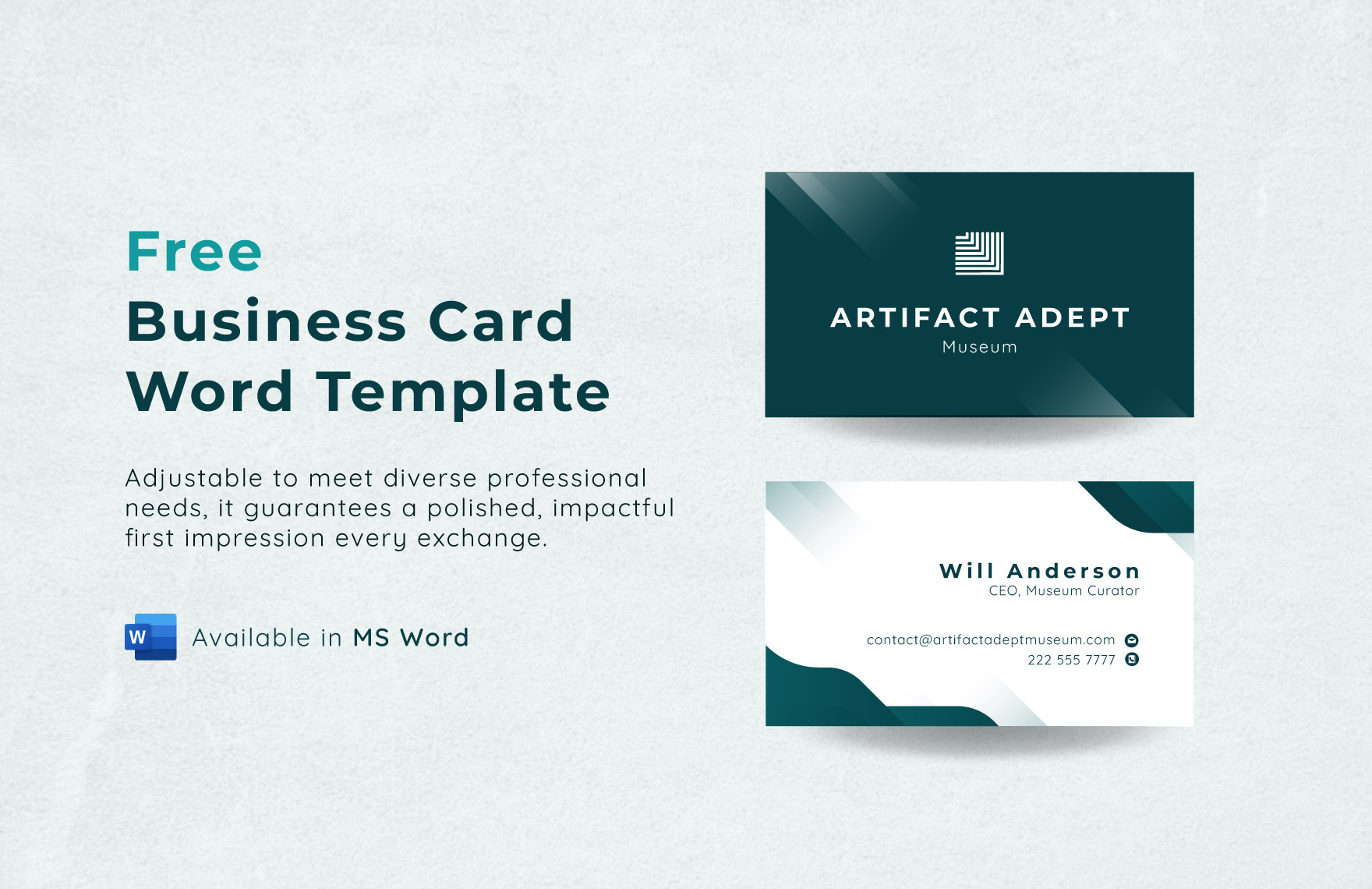
When you download a free business card template, the first thing you’ll notice is its layout. Most templates are designed with clear sections for essential information, such as your name, title, company name, phone number, email, and website. Some may also include a logo placeholder, allowing you to incorporate your brand’s identity seamlessly.
You’ll find that many templates offer a clean and professional look, while others might embrace a more colorful or artistic style. It’s essential to pick a design that aligns with your personal or business brand. When customizing, consider the following:
- Font Choice: Stick to one or two fonts. You want your text to be readable but also reflect your style. Avoid overly decorative fonts that can be hard to read.
- Color Scheme: Make sure the colors you choose are consistent with your branding. If you have a logo, use its colors to maintain coherence.
- Image Placement: If your template allows for images, ensure they are high-resolution to avoid pixelation when printed.
Customizing Your Business Card
Once you have your template, it’s time to customize it. Most printable templates come in PDF or editable formats like Word or Canva, making it easy to fill in your details. Here’s how to make the most of your free business card templates:
- Open the Template: Depending on your download format, open it in the appropriate software. For PDF templates, you might use Adobe Reader, while Word files can be opened in Microsoft Word. Canva templates will require you to log in to their platform.
- Edit Text Fields: Click on each text box to enter your information. Make sure to double-check for typos, as a business card with errors can give a less-than-professional impression.
- Adjust Layout: If you need to move elements around, ensure they remain aligned and balanced. Most templates will have guidelines to help with this.
- Preview and Save: Before printing, take advantage of the preview feature to see how the card looks. Save your changes, preferably in a format that maintains quality, like PDF.
Printing Your Business Cards
Now that your business card is customized, it’s time to print. Here are some tips to ensure your cards come out looking great:
- Paper Type: Use cardstock for durability. A thickness of around 80 lb cover is standard for business cards. If you plan to laminate them, choose a heavier weight.
- Printer Settings: If you’re printing at home, set your printer to the highest quality setting. Ensure the paper size is set to match your card dimensions. Portrait layout is generally best for most home printers.
- Test Print: Print a test card on regular paper first to check the alignment and colors. This way, you can make adjustments before using your good cardstock.
- Local Print Shops: If you prefer professional printing, many local print shops can print your cards for a reasonable price. Just bring your saved file on a USB drive or send it via email.
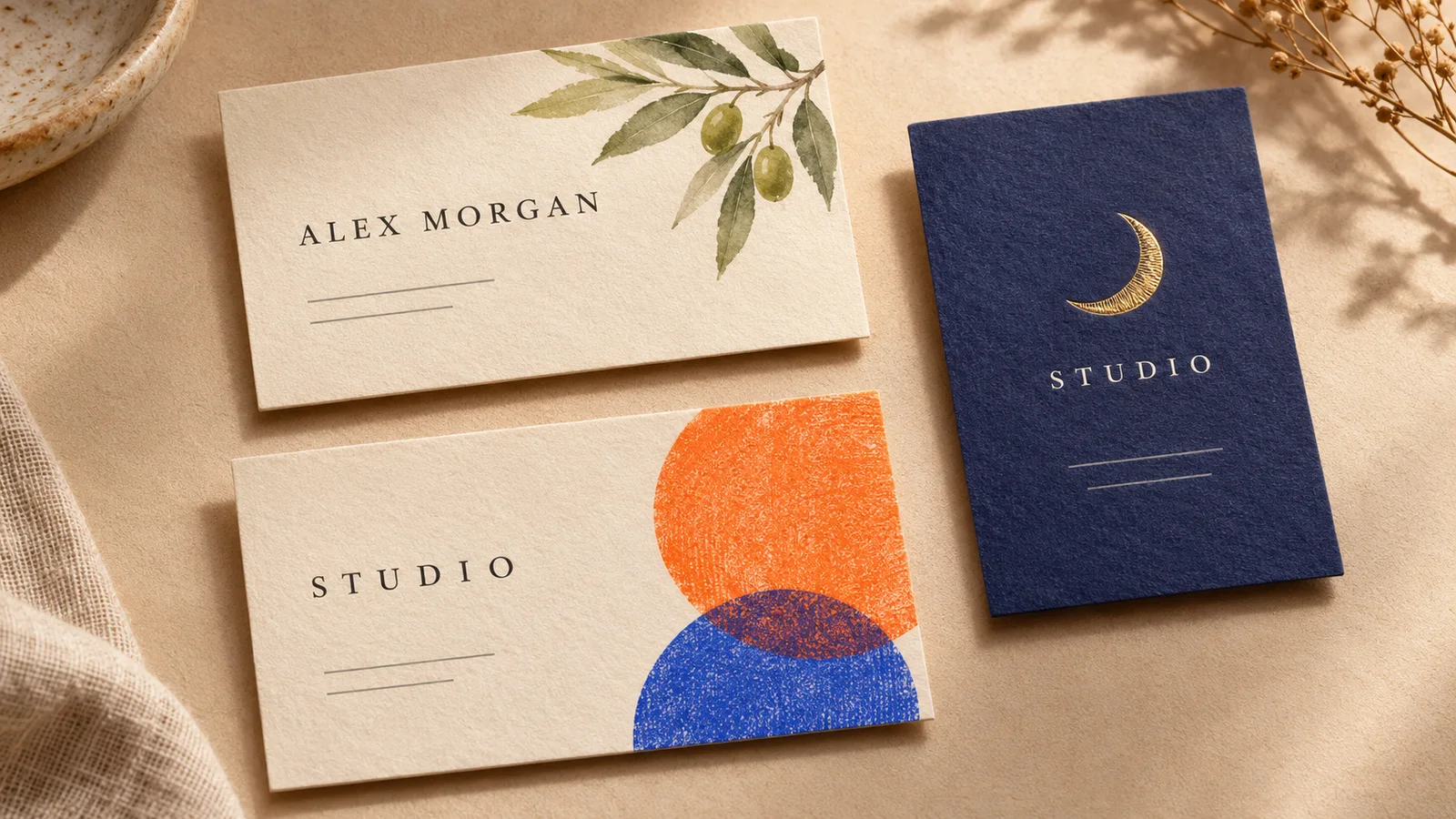
Using Your Business Cards Effectively
Once you have your business cards printed, it’s time to put them to use. Here are a couple of ways to make the most of your new cards:
- Networking Events: Always have a few cards on hand during networking events. It’s a great way to leave a lasting impression and make it easier for potential clients or partners to get in touch.
- Personal Branding: Use your business cards as part of your personal branding strategy. Hand them out when meeting new people, or include them in thank-you notes or promotional packages.
Having a stack of customized business cards can be a useful option for your networking efforts. With Free Business Card Templates Printable, you can create a professional card that suits your style and needs without breaking the bank. Whether you’re just starting out or looking to refresh your existing cards, these templates provide a simple yet effective solution. So go ahead, download your favorite template, get creative, and start making connections!